You built a button-operated door. Then you go in with a friend and it's open on your screen while theirs shows it closed.
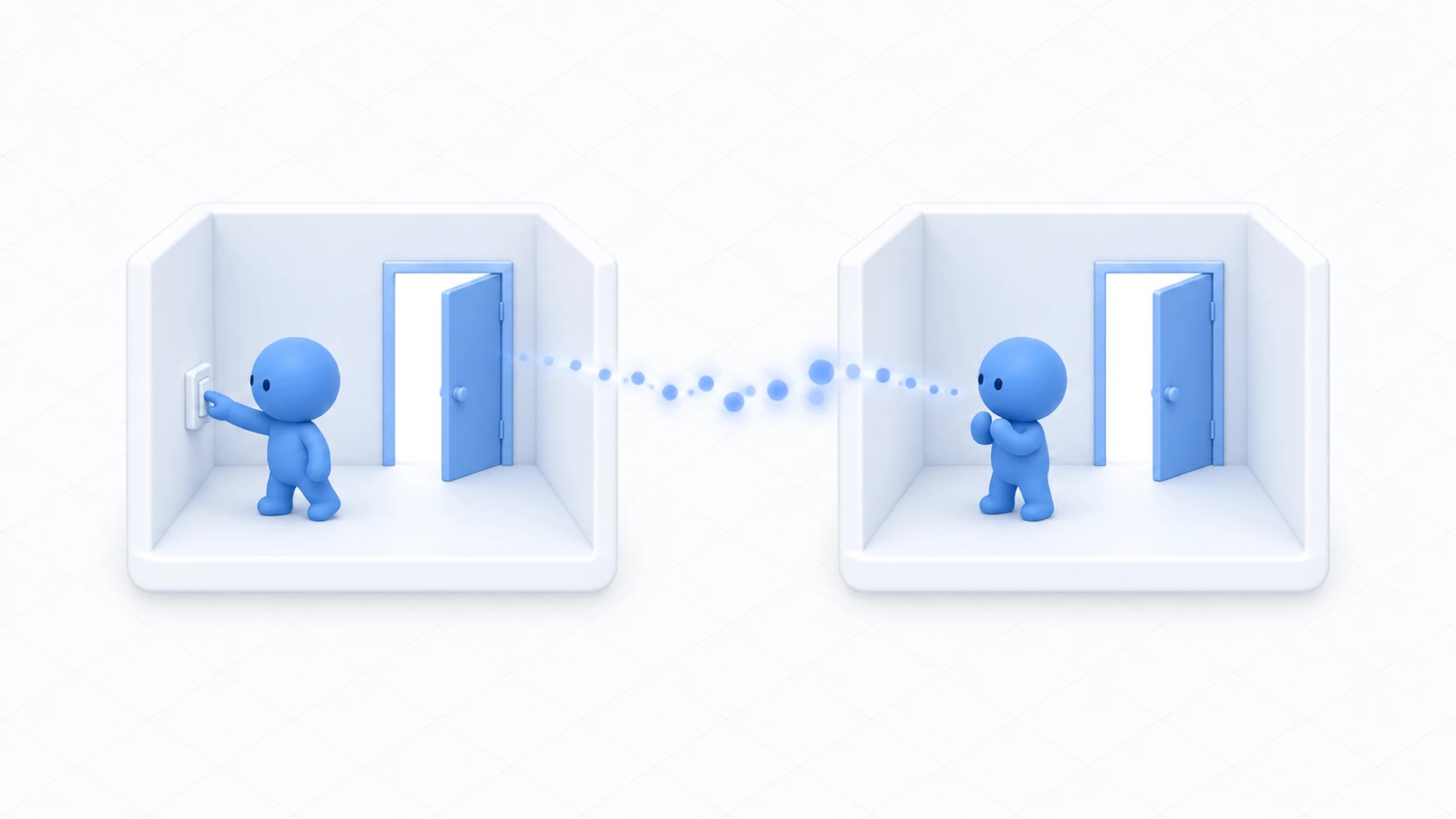
Things like doors, where everyone should see the same state, need their open state shared. And if a late joiner doesn't get the current state, one side sees a wall that isn't there.
This article builds a door that shows the same open state on every screen.
What You'll Learn
- Why you sync a bool rather than the Animator's state
- The mechanism that reaches late joiners
- The shape where the presser takes ownership
- What happens on simultaneous presses
Start from having tried networking basics and driving a door with Animator and Udon.
You send only "is it open"
Trying to sync a door brings up the idea of "send the animation state to everyone." You don't need to.
What you send is one boolean, isOpen.
Three reasons.
- Only simple values can be synced: the Animator's state itself can't be sent
- The connection stays light: one boolean is a tiny amount of data
- It handles late joiners: synced variables deliver the latest value, so arrivals know it's currently open
The flow looks like this.
Presser: flip isOpen → apply to their own Animator → ask for sending
Receiver: isOpen arrives → apply to their own Animator
Each person drives their own door from the value they received. That's exactly the same shape as the light in networking basics. Only the target changed, from a light to a door.
Hands-On: Build a door that opens for everyone
Press a button and the door opens on every screen. Late joiners get the state as it stands.
1. Prepare the door and button
Build the same structure as driving a door with Animator and Udon. If you haven't, follow those steps first.
DoorPivot (empty object at the door's edge, with the Animator)
└─ DoorPanel (the door panel)
The Animator Controller has a Bool parameter IsOpen and two states, DoorClosed and DoorOpen. Has Exit Time is unchecked on the transitions.
Place the button near the door as DoorButton.
2. Write the code
In Assets/Scripts, choose "Create → U# Script" and make SyncedDoor.
using UdonSharp;
using UnityEngine;
using VRC.SDKBase;

[UdonBehaviourSyncMode(BehaviourSyncMode.Manual)]   // Send only when it changes
public class SyncedDoor : UdonSharpBehaviour
{
    [SerializeField] private Animator doorAnimator;

    [UdonSynced] private bool isOpen;   // The value shared by everyone

    private void Start()
    {
        ApplyState();   // Apply the local value first
    }

    public override void Interact()
    {
        if (!Utilities.IsValid(Networking.LocalPlayer)) return;

        // 1. Take ownership (the presser becomes the one who can write)
        if (!Networking.IsOwner(gameObject))
        {
            Networking.SetOwner(Networking.LocalPlayer, gameObject);
        }
        if (!Networking.IsOwner(gameObject)) return;

        // 2. Change the value and apply it on your own screen
        isOpen = !isOpen;
        ApplyState();

        // 3. Ask for it to be sent
        RequestSerialization();

        Debug.Log("[SyncedDoor] open=" + isOpen);
    }

    // Called when a value arrives (not called on the person who pressed)
    public override void OnDeserialization()
    {
        ApplyState();
    }

    // Read the value and build the door's state. Same result however often it's called
    private void ApplyState()
    {
        if (doorAnimator != null)
        {
            doorAnimator.SetBool("IsOpen", isOpen);
        }
    }
}
The structure matches the light from the networking introduction. Only the body of ApplyState() changes — targetLight.enabled becomes SetBool.
Noticing that the same shape gets reused makes synchronization far easier to handle. Design it as "hold one state and build the appearance from it" and you can sync anything with the same code.
Calling ApplyState() from Start() too is the late-joiner handling. Someone arriving later either reaches Start() with the delivered value already in hand, or receives it in OnDeserialization(). Either way the door ends up correct.
3. Assign it
Add a Udon Behaviour to DoorButton and set SyncedDoor.
| Field | What to set |
|---|---|
| Door Animator | DoorPivot from the Hierarchy |
| Interaction Text | Open the door |
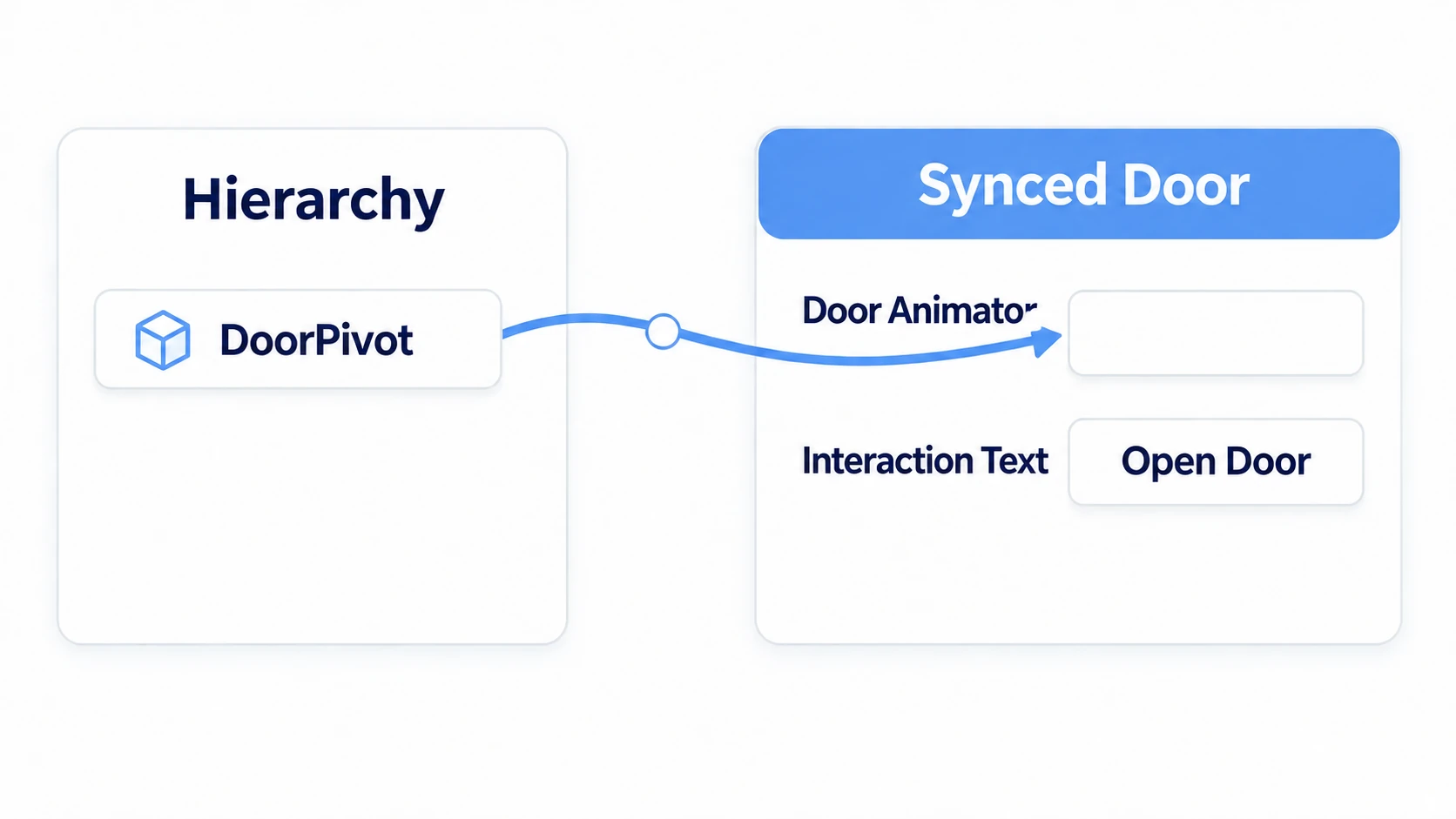
The Sync Mode field is either hidden or set to Manual, because the attribute in code specifies it.
Check with two people
Once ClientSim confirms your own screen works, check in actual VRChat.
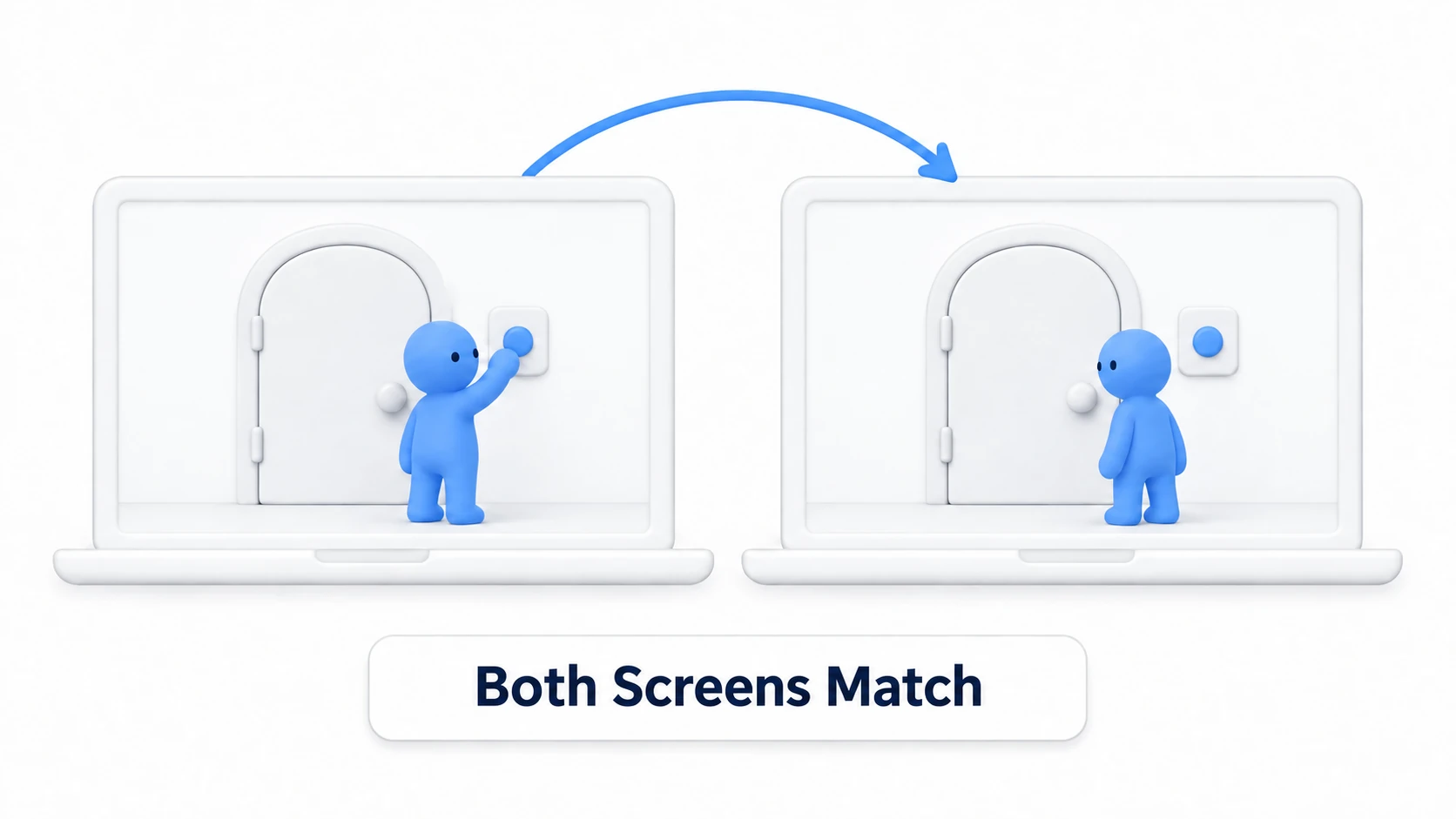
In the SDK's Builder, set Number of Clients to 2, enable Force Non-VR, and run Build & Test.
| Order | Action | Expected result |
|---|---|---|
| 1 | A and B enter | The door is closed for both |
| 2 | A presses the button | A's door opens, and B's opens shortly after |
| 3 | B presses the button | B takes ownership and both close |
| 4 | A opens it, then B re-enters | B enters with it open, without having pressed |
The fourth row is the most important check in this article. Because you're using a synced variable, the latest state reaches whoever arrives later.
If the door looks closed here, check that you're calling ApplyState() in Start() or OnDeserialization().
Common Pitfalls
- Your own screen doesn't move either → This is a pre-synchronization problem. Check the Animator's parameter name and the Door Animator assignment
- Only you move; it doesn't reach others → Check the
Manualattribute andRequestSerialization() - Only the presser doesn't move → Check that you also call
ApplyState()insideInteract().OnDeserialization()isn't called on the presser - A late joiner sees it closed → You aren't calling
ApplyState()inStart(), or you're conveying it with Network Events alone - The other person pressing reverts it → Check whether another script is touching the same Animator
Bonus: Good to Know Up Front
- On simultaneous presses, the last action wins: Two people pressing at nearly the same time means one takes ownership first. For a door, everyone converges, so there's no real harm. Uses where losing an update matters (scores) need a different design
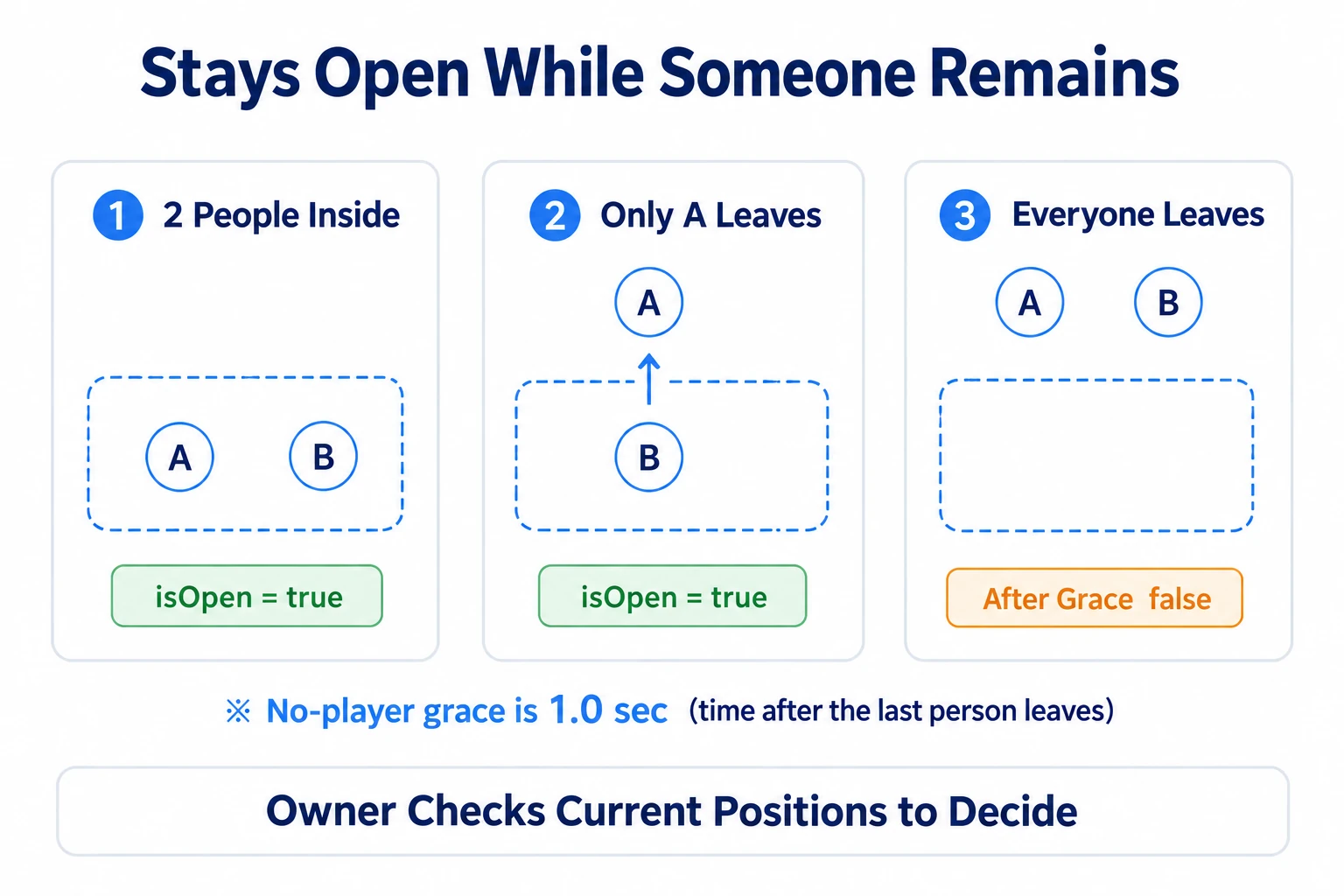
- Automatic doors are a step harder: Syncing "open when someone enters the volume" requires sharing "is anyone in the volume right now" with everyone. Counting people and handing over when someone leaves get tangled up, which goes beyond this article
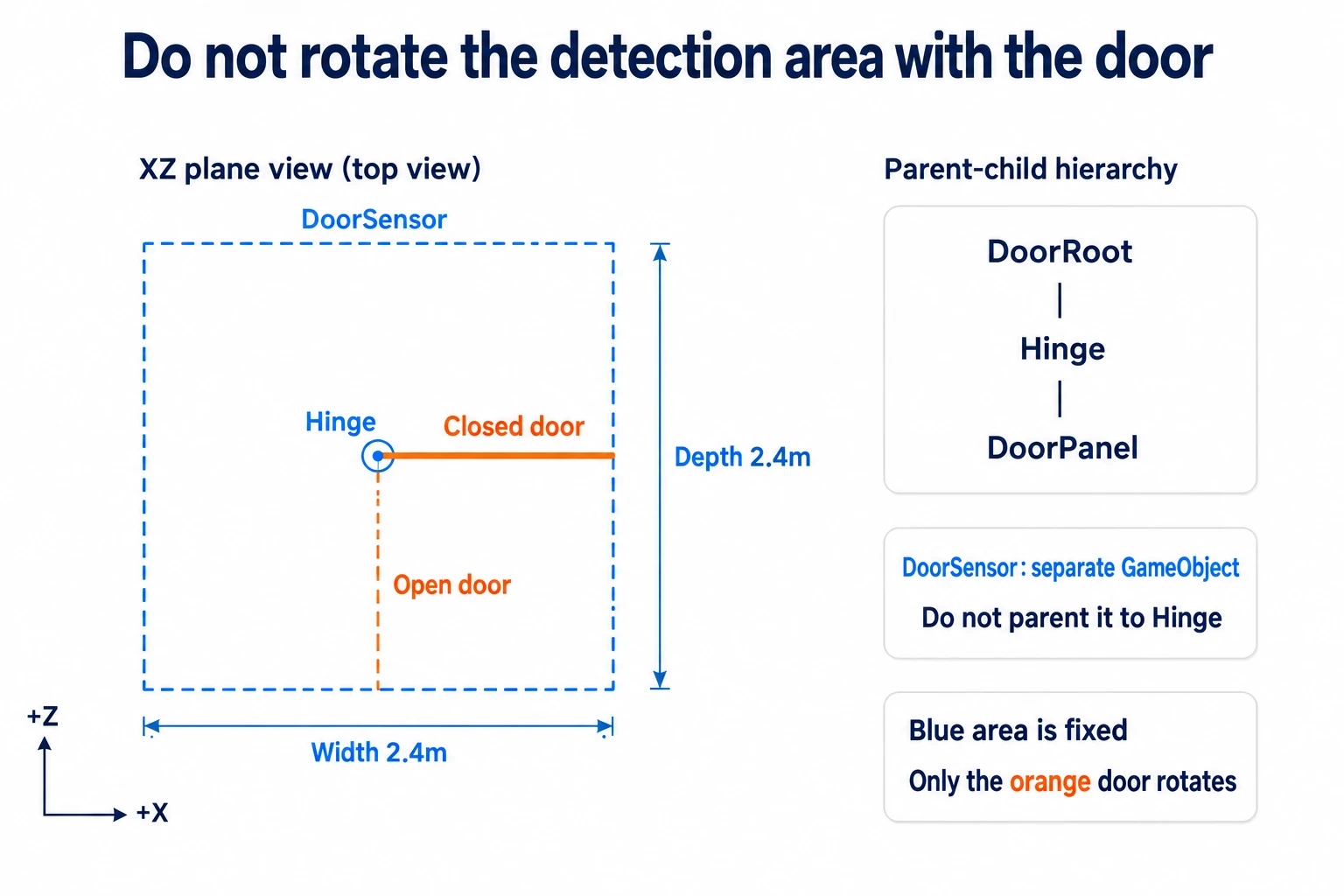
- A locking door is the same shape: Just add "is it unlocked" to the synced variables alongside "is it open." More state doesn't change how you write it
- Play the sound locally: Playing the opening sound inside
ApplyState()makes it play on everyone's screen. There's no need to sync the sound itself - It's useful all over: An escape game's door, an event venue's entry gate, a hidden room's mechanism, a shop world's shutter. All the same shape
Summary
A synchronized door is built with the same shape as the light in the networking introduction.
- You send one boolean: "is it open"
- The presser takes ownership, then changes the value and asks for sending
- Gather the visual application into
ApplyState()and call it at startup, on press, and on receive - With a synced variable, late joiners get the latest state
The question to ask while building is: "Should someone arriving later see this door's state?" Yes means a synced variable.
To share held props' positions, go to VRC Object Sync. To convey a momentary effect, go to network events.