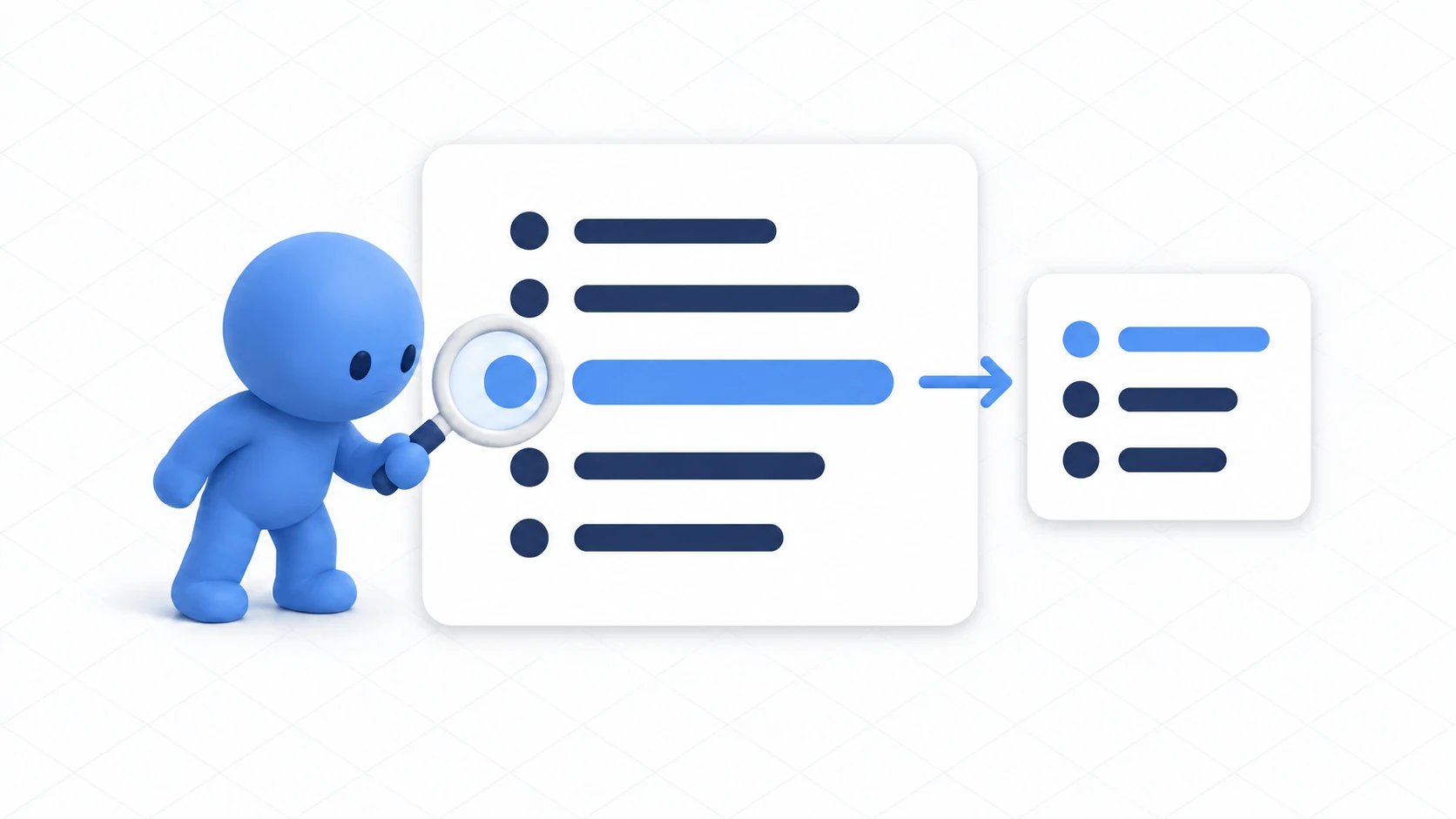
Around the tenth mechanism, your world starts feeling heavy. You haven't added decorations, and the frame rate has dropped.
Udon code looks like ordinary C#. But it's executed differently. Translated instructions get interpreted one at a time, so each line costs more than you'd expect.
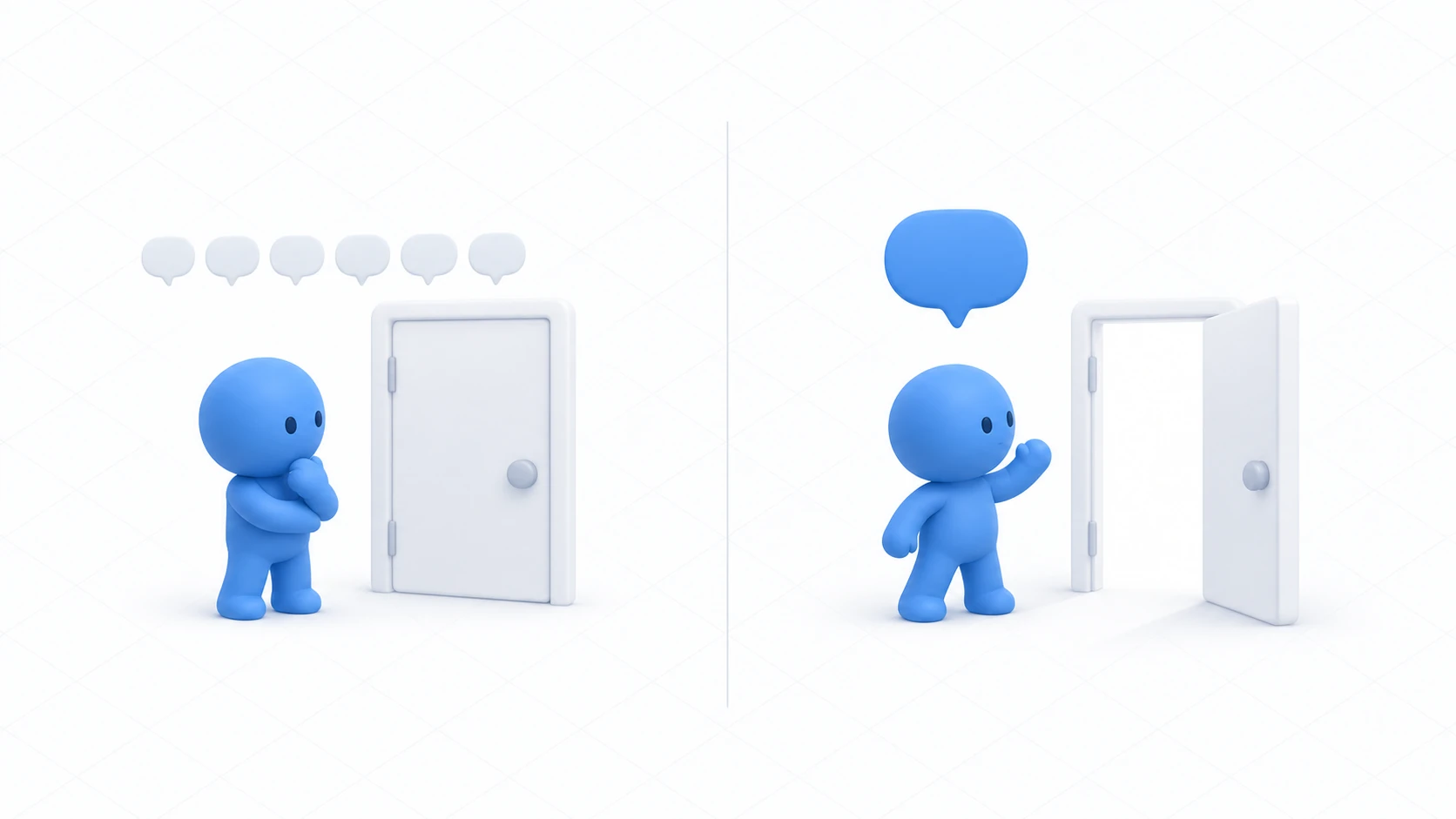
Which is why what helps isn't clever writing. It's cutting how many times you call things. This article replaces every-frame logic with events.
What You'll Learn
- Replacing every-frame checks with events
- The effect of remembering lookup results
- How to think about reducing synchronization sends
- How to measure and confirm after fixing
Start from having read methods and custom events and measuring performance.
Don't ask the same question sixty times a second
Heavy Udon code shares a common shape.
private void Update()
{
    // Checking "did they get close?" every frame
    float d = Vector3.Distance(player.GetPosition(), transform.position);
    doorAnimator.SetBool("IsOpen", d < 3f);
}
What it says is correct, and it asks the same question sixty times a second. The answer actually changes twice: the moment someone approaches and the moment they leave.
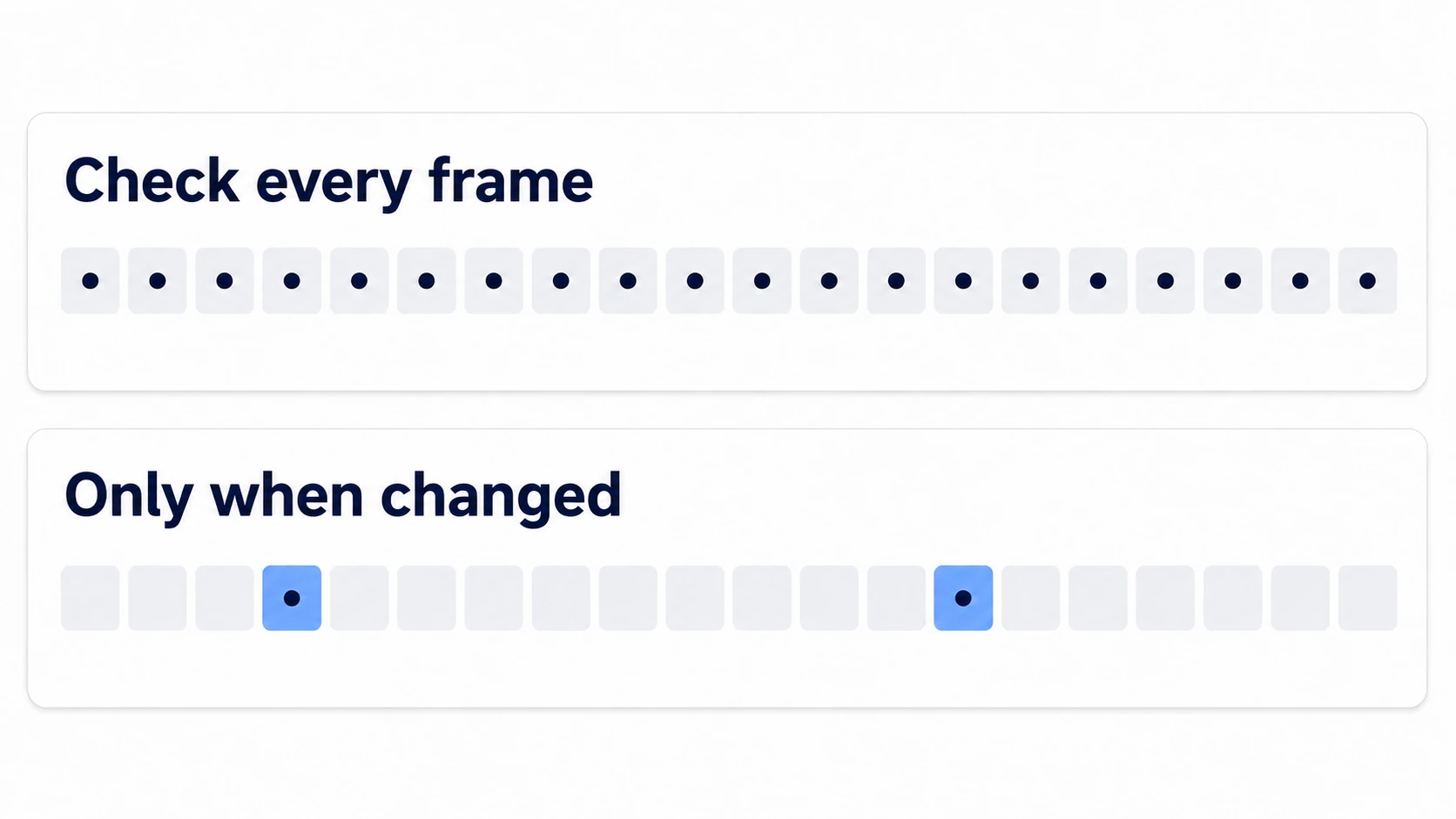
The replacement usually already exists.
| What you're checking every frame | The event to replace it |
|---|---|
| Is someone in the volume | OnPlayerTriggerEnter / OnPlayerTriggerExit |
| Is it being held | OnPickup / OnDrop |
| Was the button pressed | Interact |
| Did the synced value change | OnDeserialization |
| Did someone join | OnPlayerJoined / OnPlayerLeft |
"Someone touched it," "someone joined," "a value arrived." Those three kill most of a world's Update usage.
There's also logic of the form "wait, then do it once." That gets written as a booking rather than counting in Update.
// Close it once, three seconds from now
SendCustomEventDelayedSeconds(nameof(CloseDoor), 3f);
Shorter than accumulating elapsed time in Update, and it costs nothing. See calling logic after a delay for details.
There are places where Update is fine. A continuously spinning sign, a rippling water surface — things that genuinely change every frame. What to avoid is only the "check whether it changed" usage.
Don't look for the same thing repeatedly
One more thing is especially expensive in Udon: looking things up.
private void Update()
{
    // Searching every frame
    GetComponent<AudioSource>().volume = 0.5f;
}
GetComponent walks through that object's components one by one. It's worth avoiding even in native C#, and in Udon it's especially expensive.
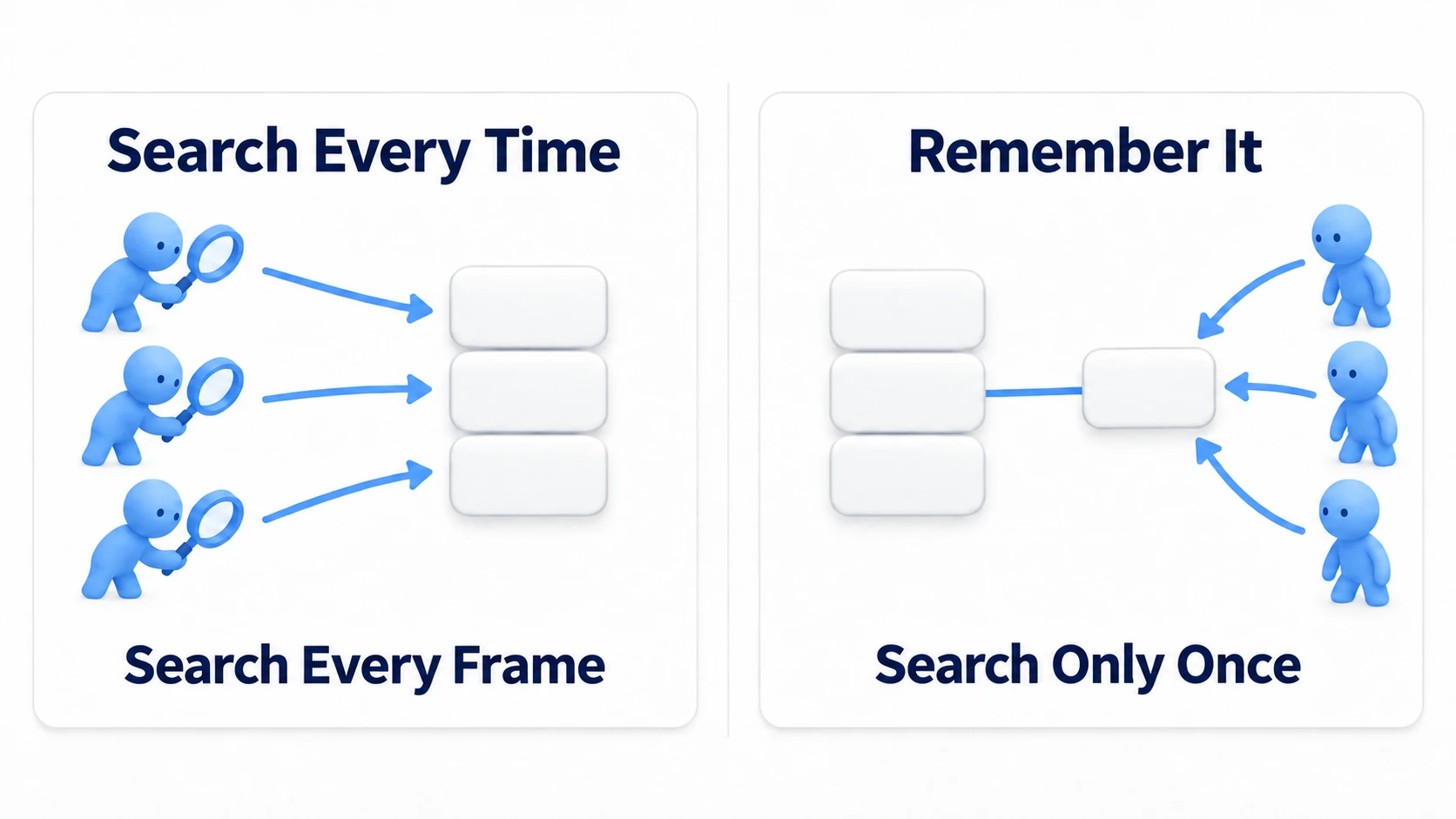
The answer is simple: fetch it once in Start() and hold it in a field.
private AudioSource cachedAudio;

private void Start()
{
    cachedAudio = GetComponent<AudioSource>();   // Once only
}
Three things worth remembering.
| What's expensive | What to do |
|---|---|
GetComponent | Fetch it in Start() and remember it |
GameObject.Find and friends | Don't use them. Assign in the Inspector |
| Building strings | Build them only when the display changes |
Don't search in code for what you can assign in the Inspector. That's the basic stance.
Hands-On: Replace a distance-checking door with events
Build an automatic door that measures distance every frame, measure it, replace it with events, and measure again.
1. Build the heavy version
Prepare the same door as driving a door with Animator and Udon — DoorPivot with an Animator and a Bool parameter IsOpen.
Create PollingDoor in Assets/Scripts.
using UdonSharp;
using UnityEngine;
using VRC.SDKBase;

// The heavy way. We'll replace it later
[UdonBehaviourSyncMode(BehaviourSyncMode.None)]
public class PollingDoor : UdonSharpBehaviour
{
    [SerializeField] private Animator doorAnimator;
    [SerializeField] private float openDistance = 3f;

    private void Update()
    {
        VRCPlayerApi player = Networking.LocalPlayer;
        if (!Utilities.IsValid(player)) return;

        float d = Vector3.Distance(player.GetPosition(), transform.position);
        doorAnimator.SetBool("IsOpen", d < openDistance);
    }
}
Attach it to DoorPivot and assign itself to Door Animator.
Press Play and it works properly. Approach and it opens, leave and it closes. Working is exactly why this shape gets left alone.
2. Measure
Duplicate this door twenty times. Select DoorPivot, press Ctrl + D nineteen times, and offset the positions slightly.
Open the Profiler, press Play, and note the thickness of the Udon-related band. Twenty Updates are running every frame.
3. Replace it with events
Create a child object DoorSensor under DoorPivot from "3D Object → Cube" and set it up like this.
| Field | Setting |
|---|---|
| Position | (0.8, 0, 0) (in front of the door) |
| Scale | (3, 2, 3) |
| Box Collider's Is Trigger | On |
| Mesh Renderer | Off (make it invisible) |
Create SensorDoor in Assets/Scripts.
using UdonSharp;
using UnityEngine;
using VRC.SDKBase;

[UdonBehaviourSyncMode(BehaviourSyncMode.None)]
public class SensorDoor : UdonSharpBehaviour
{
    [SerializeField] private Animator doorAnimator;

    // Fires only at the moment of entry
    public override void OnPlayerTriggerEnter(VRCPlayerApi player)
    {
        if (!player.isLocal) return;
        doorAnimator.SetBool("IsOpen", true);
    }

    // Fires only at the moment of exit
    public override void OnPlayerTriggerExit(VRCPlayerApi player)
    {
        if (!player.isLocal) return;
        doorAnimator.SetBool("IsOpen", false);
    }
}
Update() is gone. It's called at the moment someone enters and the moment they leave, and nowhere else.
Attach this script to DoorSensor and assign the parent DoorPivot to Door Animator. Remove PollingDoor. Do the same swap on all twenty.
4. Measure again
Look at the Profiler again.
| Field | Before | After |
|---|---|---|
| Thickness of the Udon band | ||
| Doors running every frame | 20 | 0 |
The behavior is identical. Approach and it opens, leave and it closes. And the work while nobody is nearby is now zero.
That's the shape this article most wants to convey. You didn't cut a feature — you cut how often you asked.
For synchronization, cut how often you send
Alongside Udon's processing, synchronization sends matter. They hit harder as headcount rises.
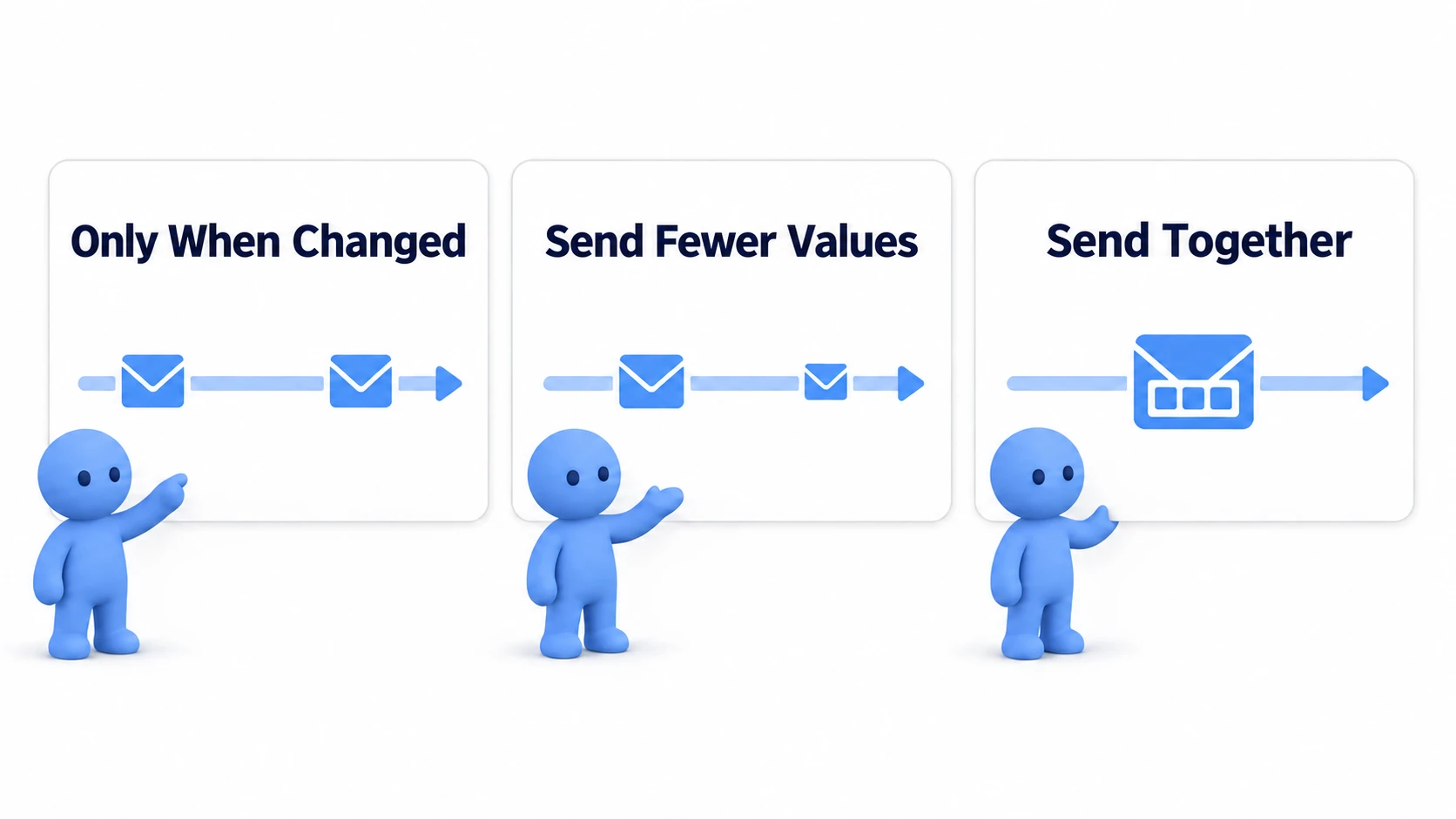
Three principles.
| Principle | What to do concretely |
|---|---|
| Send only when it changes | Set the sync mode to Manual and call RequestSerialization() only when needed |
| Send fewer values | Send one underlying value rather than the appearance itself, and let each person assemble it |
| Send in one go | After rewriting variables several times, ask for sending once at the end |
The second is the shape we've been using throughout. With the door, we sent one boolean for "is it open" and each person applied it to their Animator. Not only lighter, but also resilient for late joiners.
Continuous keeps sending even when nothing changed. Use it only for things that genuinely need continuous position updates, and use Manual for everything else.
Common Pitfalls
- The event doesn't fire → The collider's Is Trigger is off, or the volume is too small
- Your door opens when someone else approaches → The
player.isLocalcheck is missing - You replaced it and it isn't lighter → Other logic still uses Update. Check every script
- Heavy as people arrive → That's synchronization, not processing. Look at the sync mode and send frequency
- You can't tell what's heavy → Measure first, following the steps in measuring performance
Bonus: Good to Know Up Front
- You don't need the numbers: You'll see claims about "Udon is N times slower," and it varies by environment. All you need is the sense that "spinning it in Update costs you"
- If you truly need Update, thin it out: You can process only every few frames. Before that, though, reconsider whether you genuinely need to check every frame
- Don't optimize prematurely: This isn't a worry for a world with three mechanisms. Fix only what measured heavy
- Update runs for invisible objects too: A mechanism tucked in a corner stops drawing when off screen, and its Udon keeps running. Disabling the whole object when unused is the dependable route
- It's useful all over: Automatic doors, lights that come on as you approach, BGM that plays in a zone, signs that track your gaze. All have a clear "moment of change," so all can be replaced by events
Summary
Making Udon lighter is subtraction of calls.
- Replace every-frame checks with events at the moment of change
GetComponentonce inStart(). Push lookups onto Inspector assignments- Set synchronization to
Manualand send only when it changes - Measure and confirm after fixing
The question to ask before writing is: "When does this question's answer change?" If you can name the moment, there's an event there.
To lighten the physics side, go to reducing physics load. For the visual side, go to making rendering lighter.