You want to put a cup or a pen in your world and let people pick it up. Carry it around and set it back on the desk.
VRChat has dedicated components for this. Attached as-is, though, things sink into the floor or fly off the moment you let go, because there are conditions on how they combine.
This article covers building a holdable flashlight and lighting it with the Use button.
What You'll Learn
- The three components a Pickup needs
- The grab, use, and drop events
- What to do about flying off and sinking in
- How to tidy up the grip position
Start from having tried variables and references.
A Pickup is made of three components
Building something holdable requires three things together.
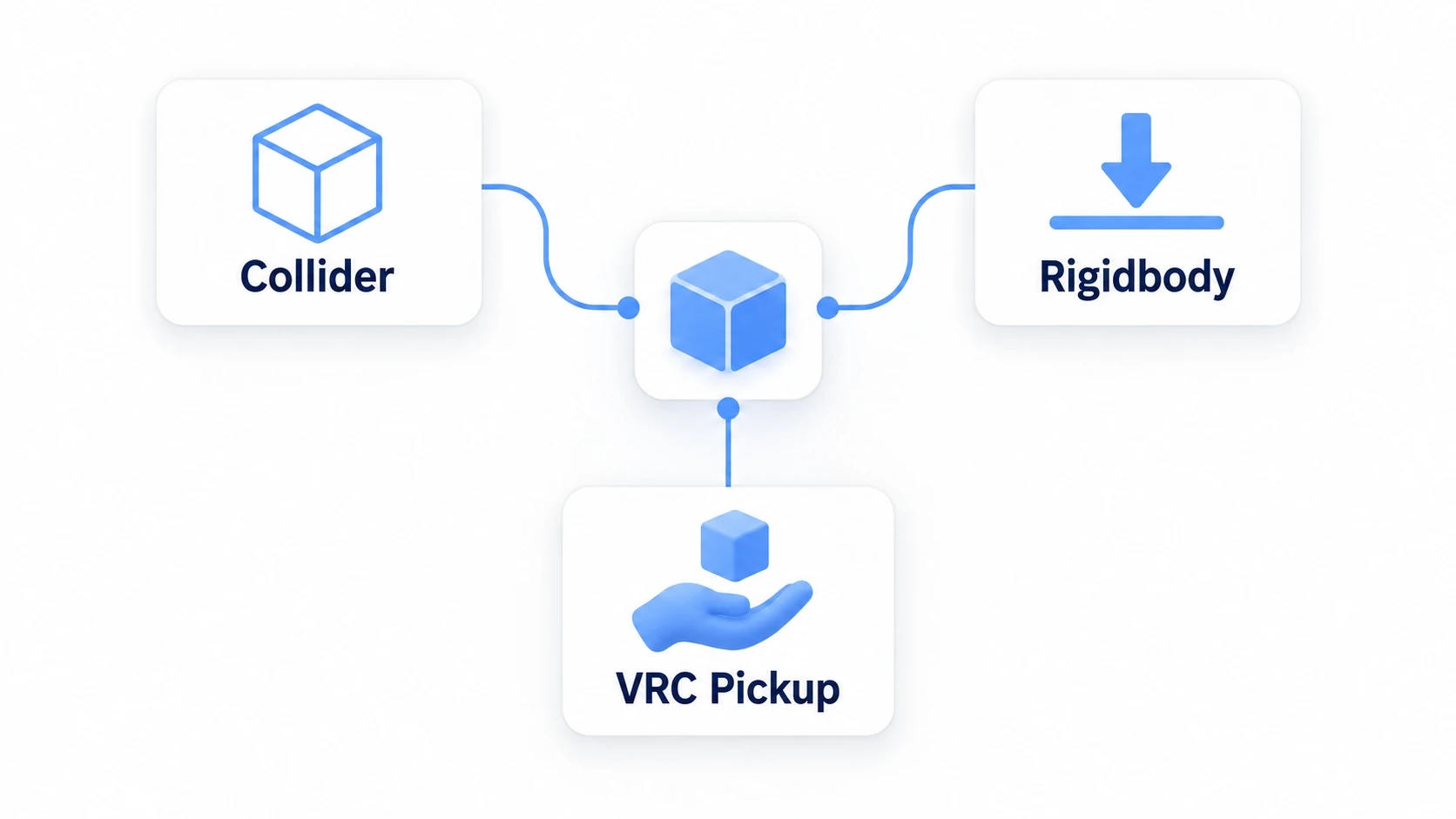
| Component | Role |
|---|---|
| Collider | The grab volume, and the shape that hits things |
| Rigidbody | Falling and rolling when released |
| VRC Pickup | Makes it grabbable |
These three must be on the same GameObject. A setup with the Collider on a child doesn't work. That's the first stumble.
Adding VRC Pickup sometimes adds a Rigidbody automatically. Even so, check yourself that a Collider is at the same level.
Three settings are enough to know.
| Setting | Meaning |
|---|---|
Pickupable | Whether it's currently grabbable. Off makes it ungrabbable |
Auto Hold | Whether it stays in hand after grabbing |
Proximity | The grab distance |
Auto Hold changes the feel, so it's worth trying both. On means "grab it and keep holding"; off means "hold only while the button is down." Things you hold while using, like a flashlight, suit on.
Hands-On: Build a holdable flashlight
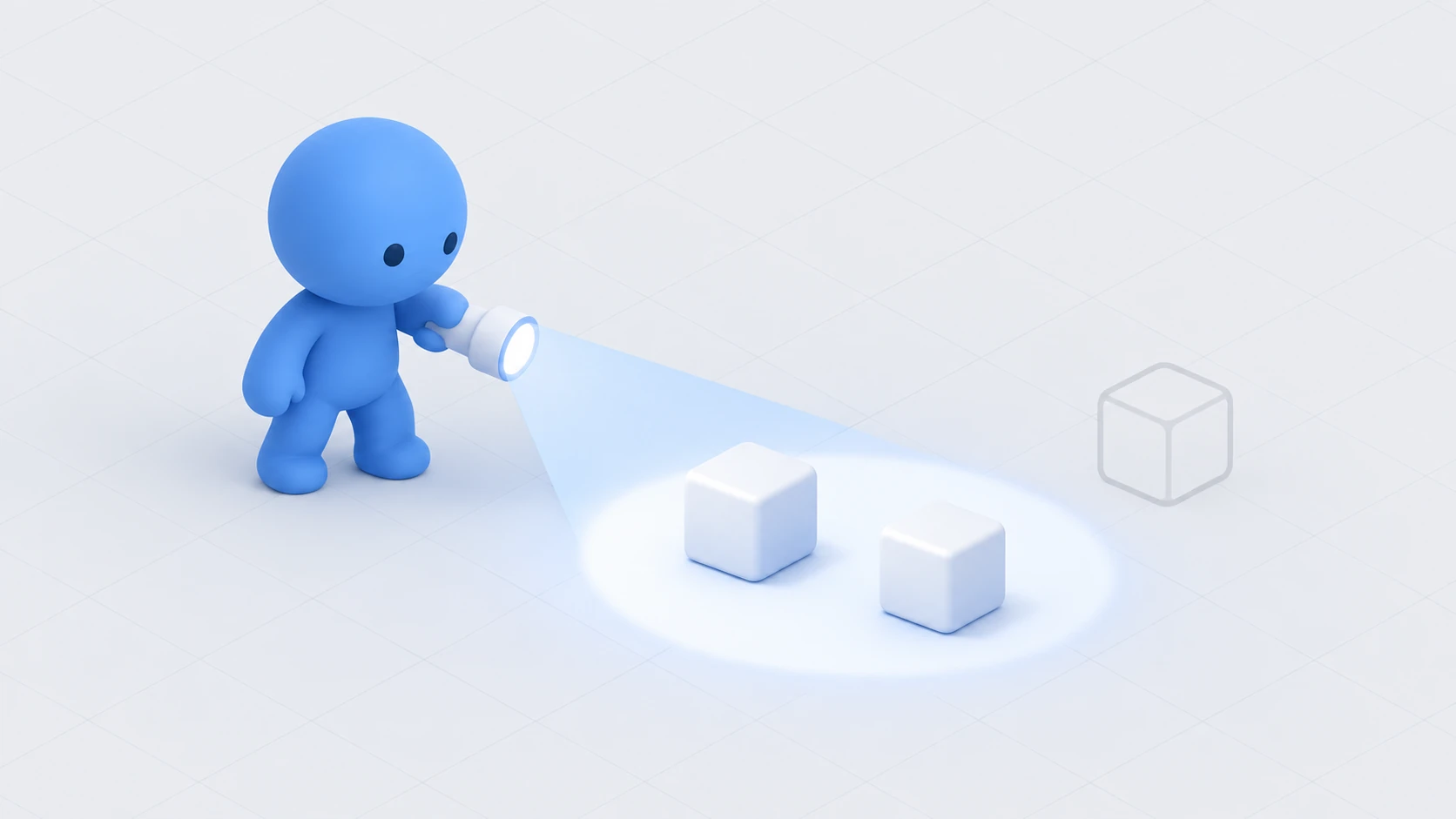
Build a holdable prop and light it with the Use button while holding it.
1. Assemble the flashlight
Create Flashlight with "Create Empty" at (0, 1, 1). Leave the Transform's Rotation and Scale at defaults.
Create three children under it.
| Child name | What to create | Local Position | Local Scale |
|---|---|---|---|
Body | Cube | (0, 0, 0) | (0.08, 0.08, 0.25) |
Lens | Cube | (0, 0, 0.14) | (0.06, 0.06, 0.03) |
Beam | Spot Light | (0, 0, 0.16) | (1, 1, 1) |
Set Beam's Spot Light to Range 10, Spot Angle 35, Intensity 3, Mode Realtime. Leave Rotation at (0, 0, 0) so it lights along the Z axis, the flashlight's front.
Once made, disable Beam. We start from the off state.
2. Make it grabbable
Select the parent Flashlight and add the following.
- Add a Box Collider via "Add Component." Set Size to around
(0.1, 0.1, 0.3)so it wraps the body - Add VRC Pickup via "Add Component" (a Rigidbody comes with it)
Start with these VRC Pickup settings.
| Field | Setting |
|---|---|
| Pickupable | On |
| Auto Hold | On |
| Orientation | Any (we'll adjust later) |
| Use Text | Turn on |
For the Rigidbody, leave Use Gravity on and Is Kinematic off. That gives the natural motion of falling when released.
Press Play once here. Being able to grab and carry it means you're good so far.
3. Write the code that lights it on Use
In Assets/Scripts, choose "Create → U# Script" and make FlashlightToggle.
using UdonSharp;
using UnityEngine;

[UdonBehaviourSyncMode(BehaviourSyncMode.None)]
public class FlashlightToggle : UdonSharpBehaviour
{
    [SerializeField] private Light beam;

    private bool isOn;

    private void Start()
    {
        Apply();
    }

    // When Use is pressed while holding it
    public override void OnPickupUseDown()
    {
        isOn = !isOn;
        Apply();
        Debug.Log("[Flashlight] on=" + isOn);
    }

    // Turn it off when released
    public override void OnDrop()
    {
        isOn = false;
        Apply();
    }

    private void Apply()
    {
        if (beam != null) beam.enabled = isOn;
    }
}
OnPickupUseDown() fires when Use is pressed while you're holding it. It doesn't fire when you aren't holding it.
Turning it off in OnDrop() keeps a dropped flashlight from staying lit on the floor. It's a small consideration, and this kind of cleanup is what makes things look natural.
Four main events:
| Event | When it fires |
|---|---|
OnPickup() | The moment you grab it |
OnDrop() | The moment you release it |
OnPickupUseDown() | Use pressed while holding |
OnPickupUseUp() | That Use released |
All of them fire only on the PC of the person doing it.
4. Assign it and confirm
Add a Udon Behaviour to Flashlight and set FlashlightToggle. Drag the child Beam into Beam.
Press Play and try it.
| Action | Expected result |
|---|---|
| Approach the flashlight and grab it | It goes into your hand |
| Use while holding (left-click) | The beam turns on. Console shows on=True |
| Use again | It goes off |
| Release it | It falls to the floor and the beam goes out |
It's easier to see in a dark room. Try weakening the Directional Light temporarily.
Tidying up the grip
Holding it, the facing may look odd or the object may sit wrong in your hand.
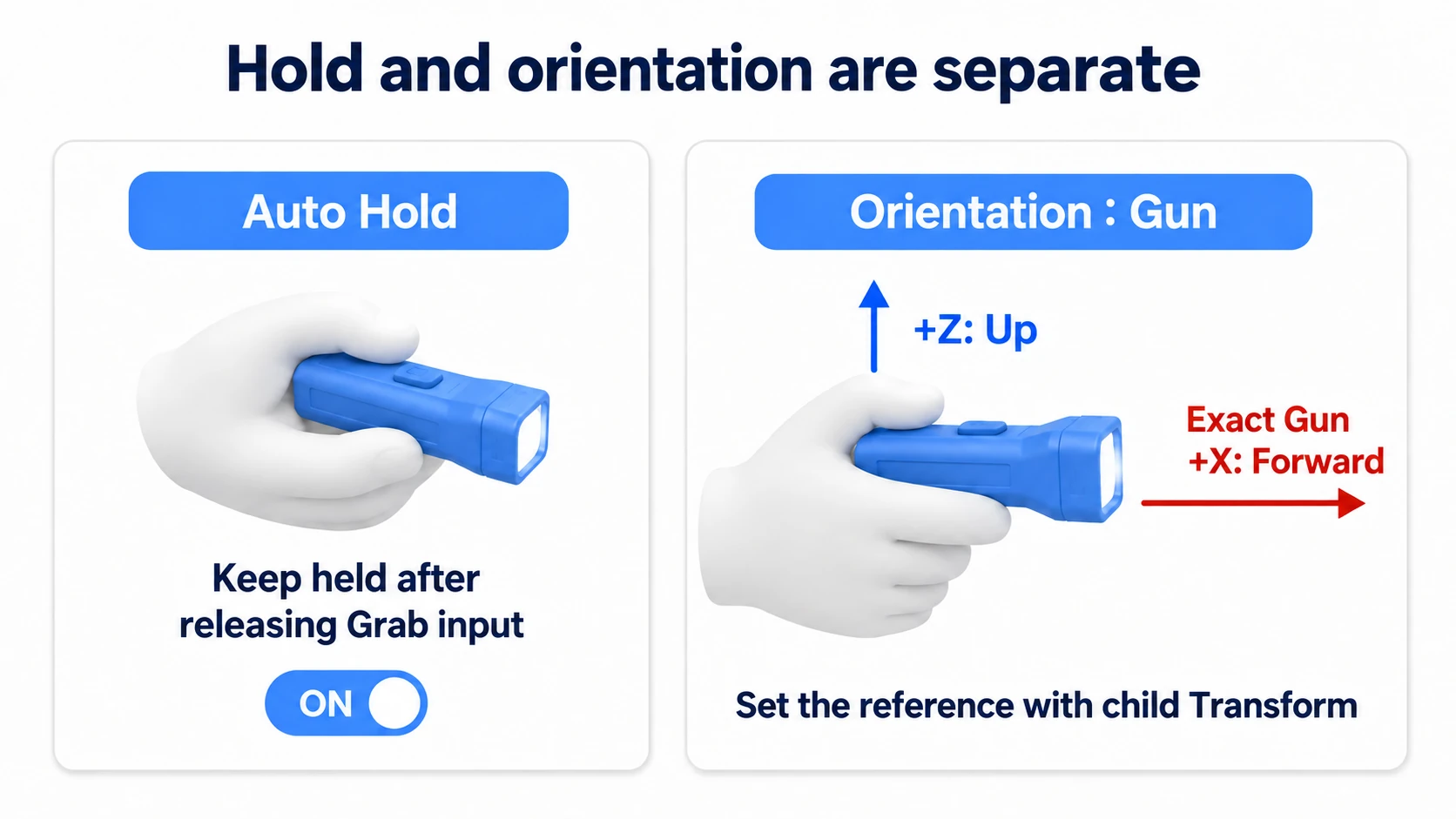
VRC Pickup's Orientation picks the grip reference.
| Setting | How it's held |
|---|---|
Any | Held at the position and facing you grabbed it |
Gun | Held in a fixed orientation, like a gun |
Grip | Held in a fixed orientation, like a grip |
Any is natural, and the facing varies with where you grab. For things that must always be held one way — a flashlight, say — use Gun or Grip.
Choosing Gun reveals an Exact Gun field. Assign an empty object there and it's held at that position and facing.
- Create
GripPointwith "Create Empty" as a child ofFlashlight - Put it around the flashlight's handle, roughly
(0, 0, -0.08) - Set VRC Pickup's Orientation to
Gunand assignGripPointto Exact Gun
Play and grab it again and it's always held the same way.
That said, there's no need to fuss over this from the start. Any is perfectly usable. Adjust it if it bothers you after holding it — that order is enough.
Common Pitfalls
- You can't grab it → Check that the Collider and Rigidbody are on the same GameObject as VRC Pickup. Attached to a child, it won't work
- It sinks into the floor → The Collider is too small or offset. Check in the Scene view that the green box wraps the body
- It flies off when released → Releasing while swinging your hand transfers that momentum. That's by design. If it bothers you, raising the Rigidbody's Drag calms it down
- Use does nothing →
OnPickupUseDown()only fires while you're holding it. Check that you have it - It doesn't move on other people's screens → The position isn't shared. See the next section
Bonus: Good to Know Up Front
- Sharing position needs a separate component: To show the carrying to everyone, add VRC Object Sync. State like the light being on still needs separate synchronization. Covered in VRC Object Sync
- Pickups don't collide with players: That's how the layers are set, so what you hold doesn't get in your own way
- Don't add too many: More Rigidbody objects means more physics calculation. Keeping rolling props to a handful is safe
- Don't combine it with Interact: Adding Interact logic to the same object makes grabbing take priority, and it stops responding
- It's useful all over: A cafe's cups, an escape game's key, a board game's pieces, handleable documents in an exhibition world. All built the same way
Summary
Holdable things only work with three components together.
- Put Collider, Rigidbody, and VRC Pickup on the same GameObject
- Turning
Auto Holdon keeps it in hand after grabbing OnPickupUseDown()receives only the Use pressed while holding- If the grip bothers you, adjust it with Orientation and an empty object
The question to ask after building it is: "Can I grab it, use it, and set it back down?" Those three flowing naturally means it passes.
To show the carrying to everyone, go to VRC Object Sync. To place a mirror and check appearances, go to placing a mirror.