"The game freezes for a moment right when I switch scenes." "I want a loading screen when entering a big stage." As a game grows, how you load resources always becomes an issue. In Godot, simply choosing when and how to load a resource makes a big difference in how the game feels.
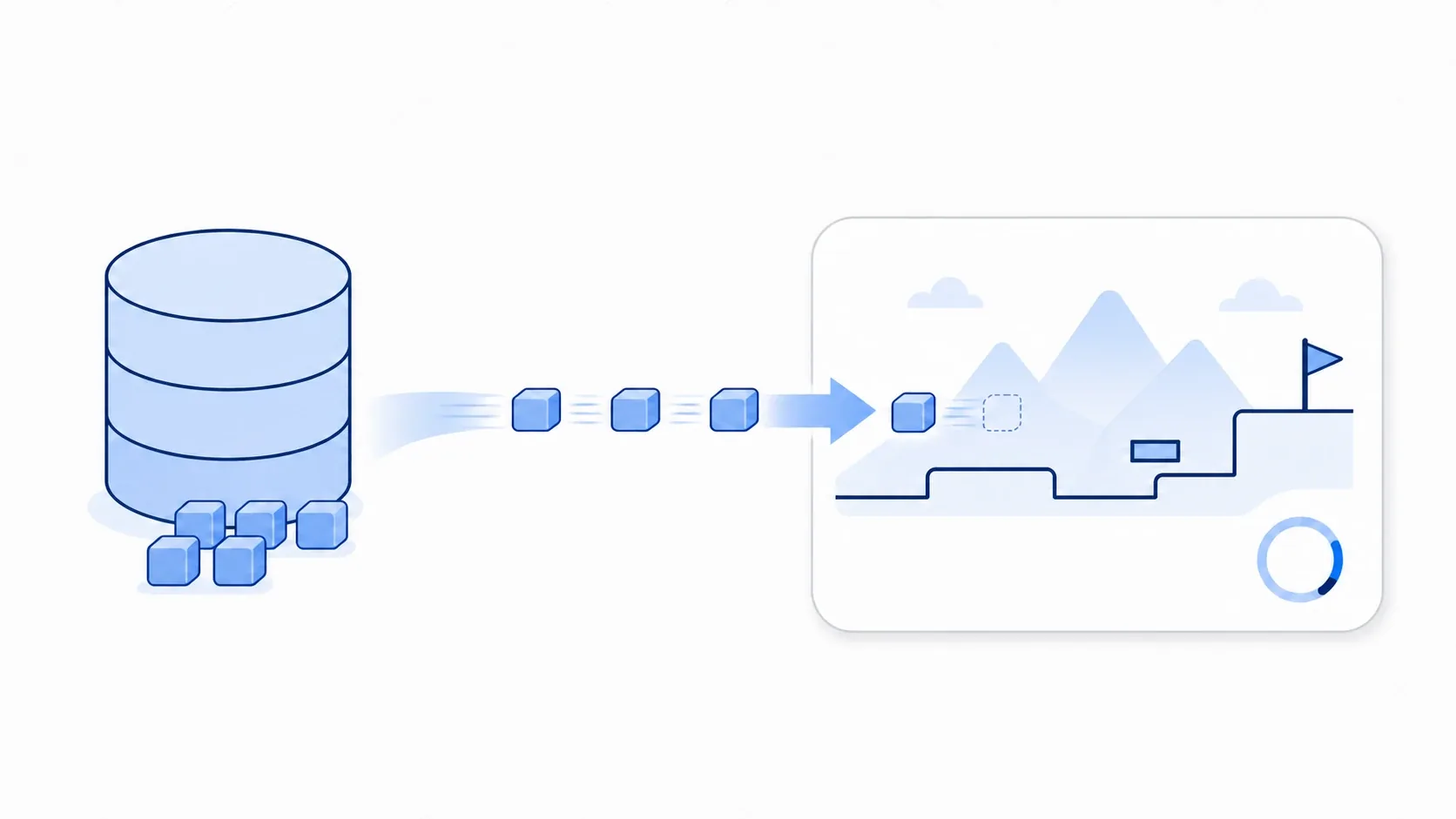
The idea is simple, and it comes in three tiers: load small things you need right away up front, load big things when you actually need them, and load huge things in the background behind a loading screen. This article covers choosing between preload() and load(), asynchronous loading with ResourceLoader, building a loading screen with a progress bar, and memory management with WeakRef.
What You'll Learn
- The difference between
preload()andload(), and when to use each- The three steps of asynchronous background loading with
ResourceLoader- How to build a loading screen with a progress bar (
change_scene_to_packed)- Memory management via reference counting and
WeakRef
Tested with: Godot 4.7
Choosing Between preload() and load()
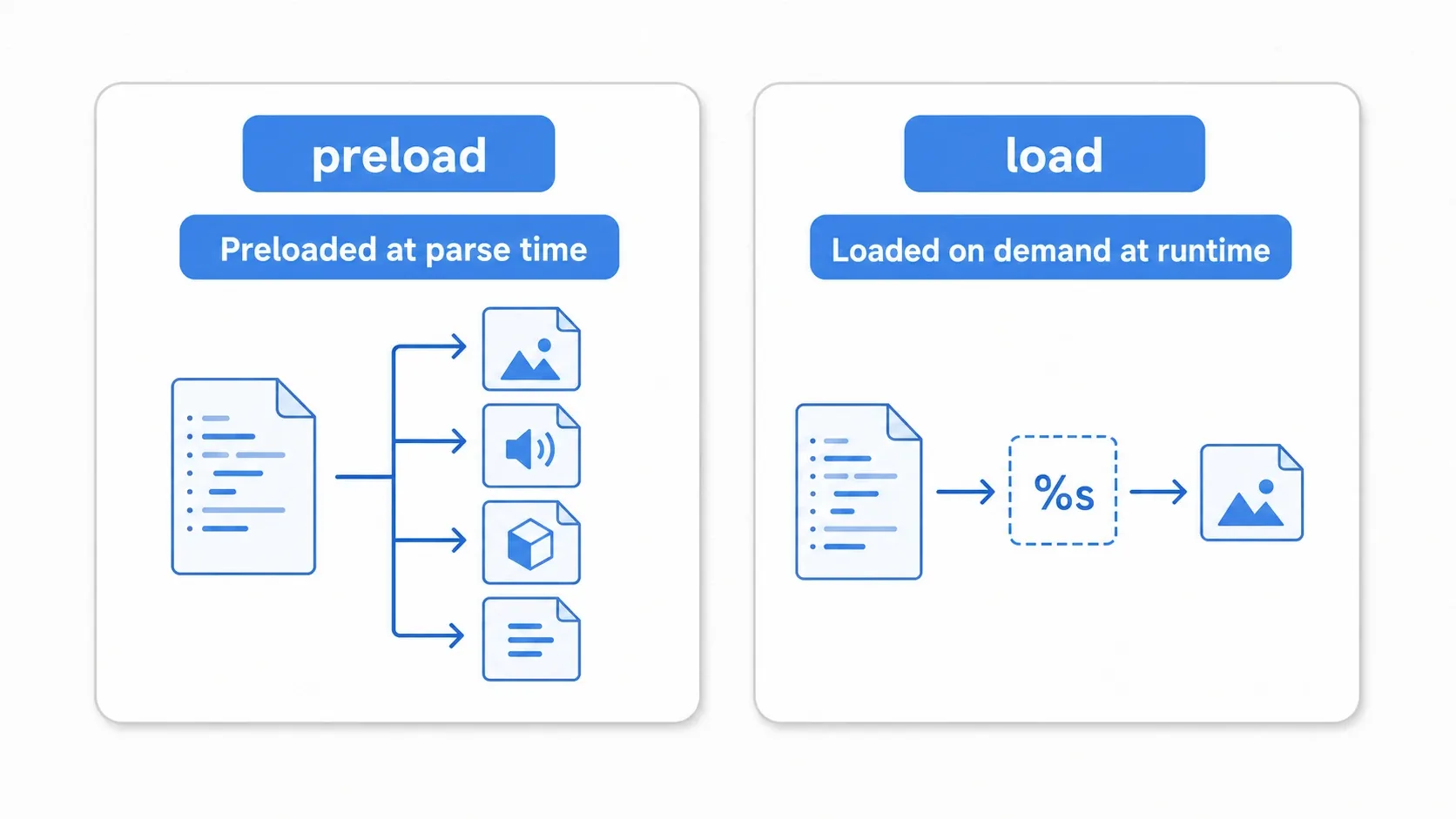
Godot has two basic functions for loading resources. They differ in when they load and whether the path can be a variable, so pick based on the use case.
preload(): Load It Up Front
For small resources you use constantly, like bullets and sound effects, preload() is ideal. The resource is loaded when the script is parsed, so there's zero delay at the moment you call it at runtime.
const BULLET_SCENE := preload("res://scenes/bullet.tscn")   # Path must be a constant literal
const HIT_SOUND := preload("res://audio/hit.wav")

func shoot() -> void:
    add_child(BULLET_SCENE.instantiate())   # Usable immediately with no delay
- Paths must be literal strings (variables aren't allowed)
- Everything is loaded when the script is parsed
- Best for small, frequently used assets
load(): Load It When You Need It
For resources that vary by condition, like the weapon the player picked or enemies that change with difficulty, use load(). Its biggest strength is that you can build the path from a variable.
func load_weapon(weapon_name: String) -> Node:
    var path := "res://weapons/%s.tscn" % weapon_name   # Build the path dynamically
    return load(path).instantiate()
- Paths can be built dynamically
- Reads from disk only the first time (after that the cache returns instantly)
- Best for large or conditional resources
tips: Using a lot of
preload()makes a scene's initial load slower. Large textures and 3D models have an outsized impact, so switch big assets toload()or the background loading covered next. It's total size, not count, that matters.
Asynchronous Loading with ResourceLoader
Calling load() on a big scene blocks the main thread until loading finishes, freezing the game. For heavy resources, like RPG dungeon transitions or open-world chunk loading, ResourceLoader's asynchronous API is the answer. It loads in the background while your game and its animations keep running.
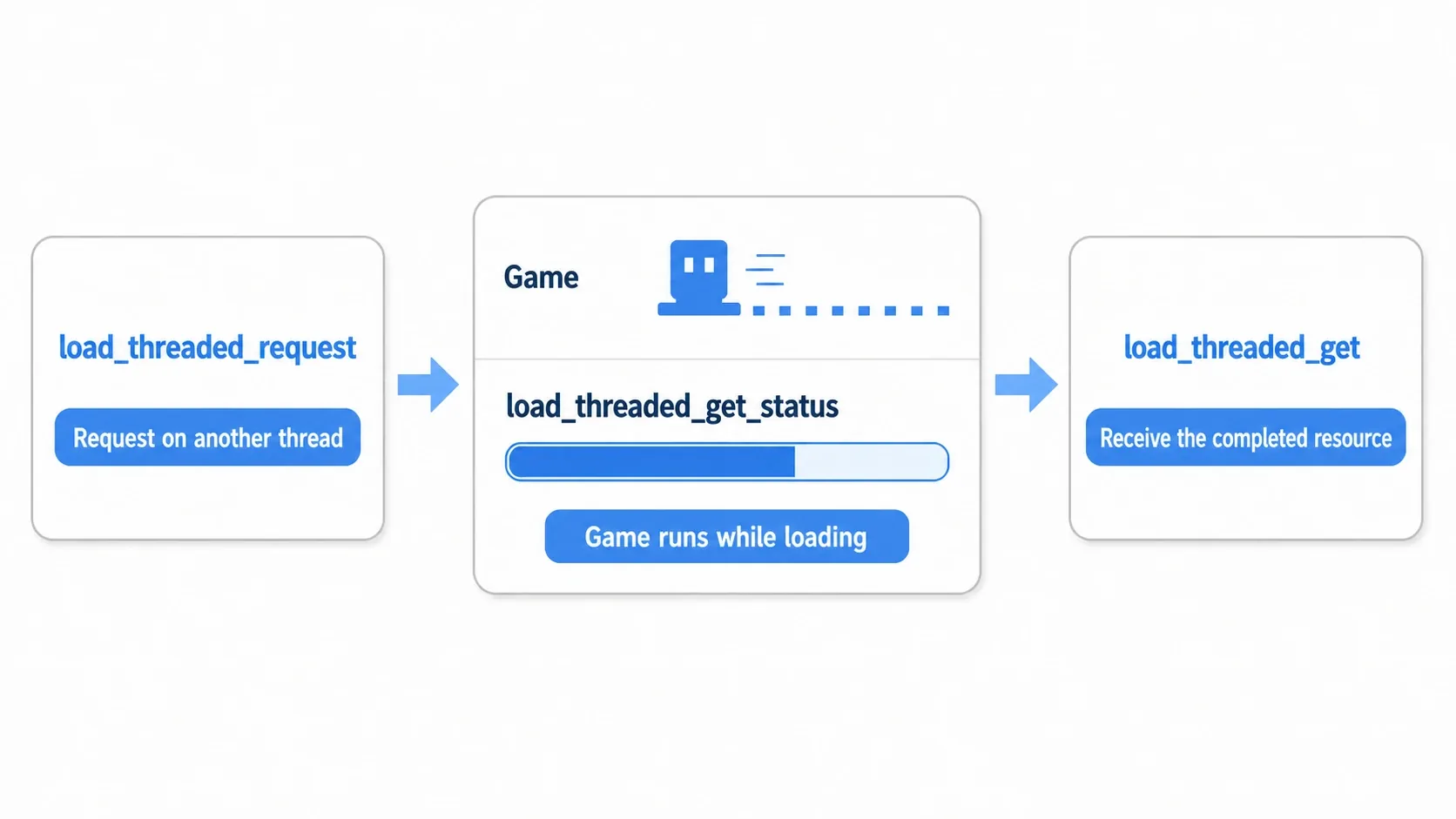
Asynchronous loading is three steps: request, monitor, retrieve.
# 1. Request the load on a separate thread
ResourceLoader.load_threaded_request("res://levels/stage_2.tscn")

func _process(_delta: float) -> void:
    var progress := []   # Empty array that receives progress (explained below)
    var status := ResourceLoader.load_threaded_get_status(
        "res://levels/stage_2.tscn", progress)

    match status:
        ResourceLoader.THREAD_LOAD_IN_PROGRESS:
            print("Loading: %d%%" % int(progress[0] * 100))   # progress[0] holds 0.0 to 1.0
        ResourceLoader.THREAD_LOAD_LOADED:
            # 3. Complete, so retrieve the resource
            var scene := ResourceLoader.load_threaded_get("res://levels/stage_2.tscn")
            _on_load_complete(scene)
        ResourceLoader.THREAD_LOAD_FAILED:
            printerr("Loading failed")
        ResourceLoader.THREAD_LOAD_INVALID_RESOURCE:
            printerr("Invalid path, or no request was made")
Here's what the three APIs and the statuses do.
| Method / status | Role |
|---|---|
load_threaded_request(path) | Starts an asynchronous load |
load_threaded_get_status(path, progress) | Retrieves progress (0.0 to 1.0) |
load_threaded_get(path) | Retrieves the resource once complete |
THREAD_LOAD_IN_PROGRESS / LOADED / FAILED / INVALID_RESOURCE | The four states |
tips: Passing
progressas an empty array is Godot's convention for "return a value by reference." GDScript functions can't return multiple values directly, so you pass an empty array and let the engine store progress inprogress[0]. Also, setting the third argumentuse_sub_threads = trueloads sub-resources like textures and meshes in parallel, which can make it faster (the default isfalse, and it isn't always faster).
Hands-On: Building a Loading Screen with a Progress Bar
Once you know asynchronous loading, let's show it to the player with a loading screen. RPG dungeon transitions, stage changes in a level-based action game, area transitions in an open world: every genre has moments where you hold the player with a progress bar while a heavy scene loads.
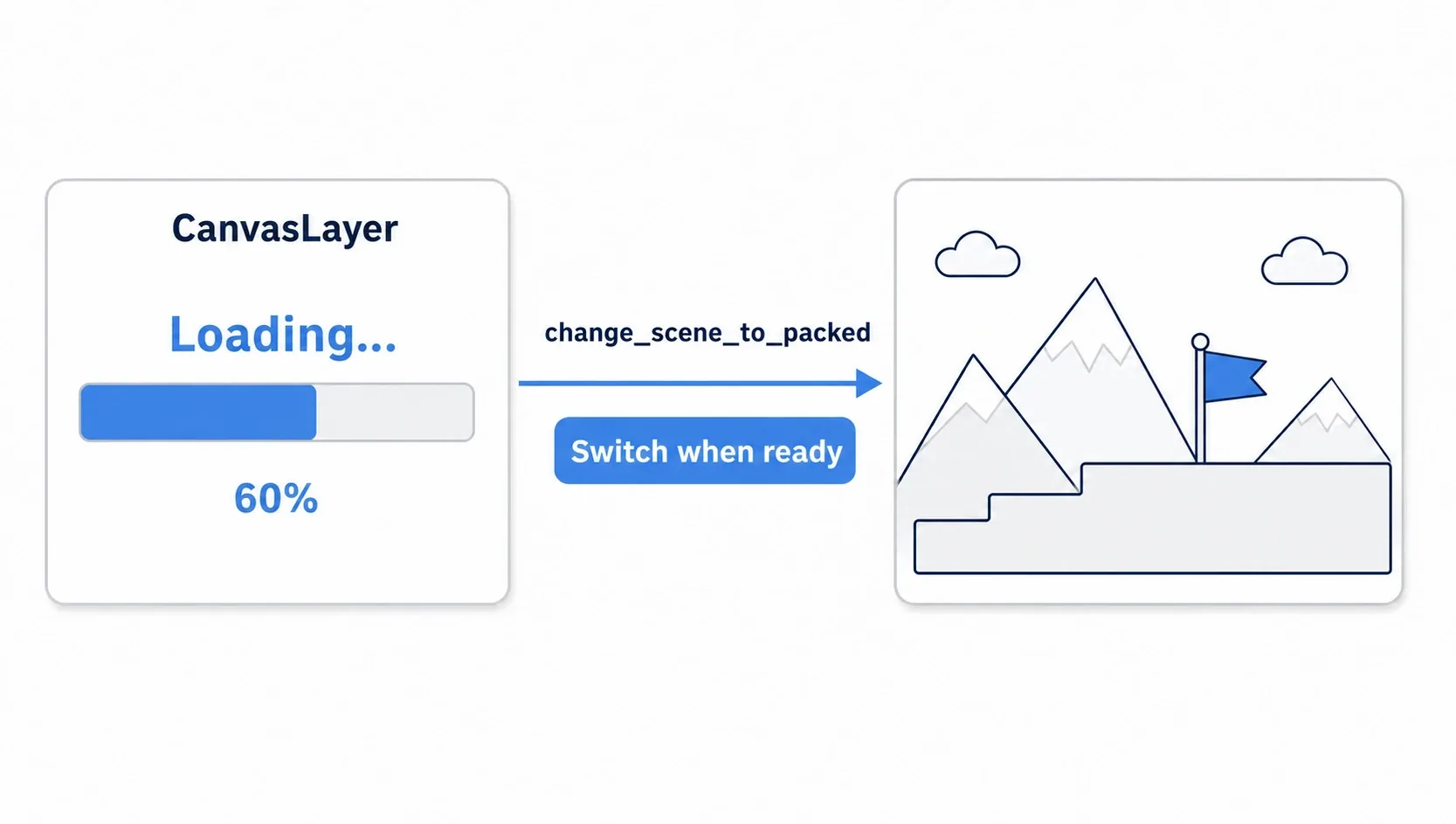
Build the loading screen with a CanvasLayer, monitor progress in _process, and update the bar. When it completes, switch scenes with change_scene_to_packed().
# loading_screen.gd (put a ProgressBar and Label under a CanvasLayer, save it as loading_screen.tscn, and register that .tscn as an Autoload)
extends CanvasLayer

@onready var progress_bar: ProgressBar = $ProgressBar
@onready var label: Label = $Label

var _target_path := ""

func _ready() -> void:
    hide()   # Start hidden

func load_scene(scene_path: String) -> void:
    _target_path = scene_path
    show()
    var err := ResourceLoader.load_threaded_request(scene_path)   # Start loading
    if err != OK:
        printerr("Failed to start loading: %s" % scene_path)
        return
    set_process(true)

func _process(_delta: float) -> void:
    if _target_path.is_empty():
        return
    var progress := []
    match ResourceLoader.load_threaded_get_status(_target_path, progress):
        ResourceLoader.THREAD_LOAD_IN_PROGRESS:
            progress_bar.value = progress[0] * 100      # Match the bar to the progress
            label.text = "Loading... %d%%" % int(progress[0] * 100)
        ResourceLoader.THREAD_LOAD_LOADED:
            var scene := ResourceLoader.load_threaded_get(_target_path)
            get_tree().change_scene_to_packed(scene)    # Switch to the finished scene
            _target_path = ""
            set_process(false)
            hide()
        ResourceLoader.THREAD_LOAD_FAILED:
            label.text = "Loading failed"
            set_process(false)
Calling it takes one line.
LoadingScreen.load_scene("res://levels/stage_2.tscn")
There are two key points.
- Register the loading screen as an Autoload:
change_scene_to_packed()replaces the entire current scene (current_scene). If the loading screen lives inside the current scene, it gets wiped out along with it, so keep it resident via Autoload so it survives scene transitions. - Progress comes from
progress[0]: feed the 0.0 to 1.0 value thatload_threaded_get_status()writes into the empty array straight intoProgressBar.value. That tells the player how much longer they have to wait.
Memory Management and WeakRef Caching
How you release resources matters as much as how you load them. In a large game, memory runs out if you never free what you're not using.
First, Godot caches resources by path when you load() them. Calling load() again with the same path returns the in-memory cache rather than reading from disk (the same instance).
Godot resources are reference counted. The engine counts how many variables reference a resource and frees it the moment that count hits zero (this is different from tracing GC in Java or C#). Holding a resource in a normal variable keeps that reference alive so it's never freed, but WeakRef doesn't increment the reference count.
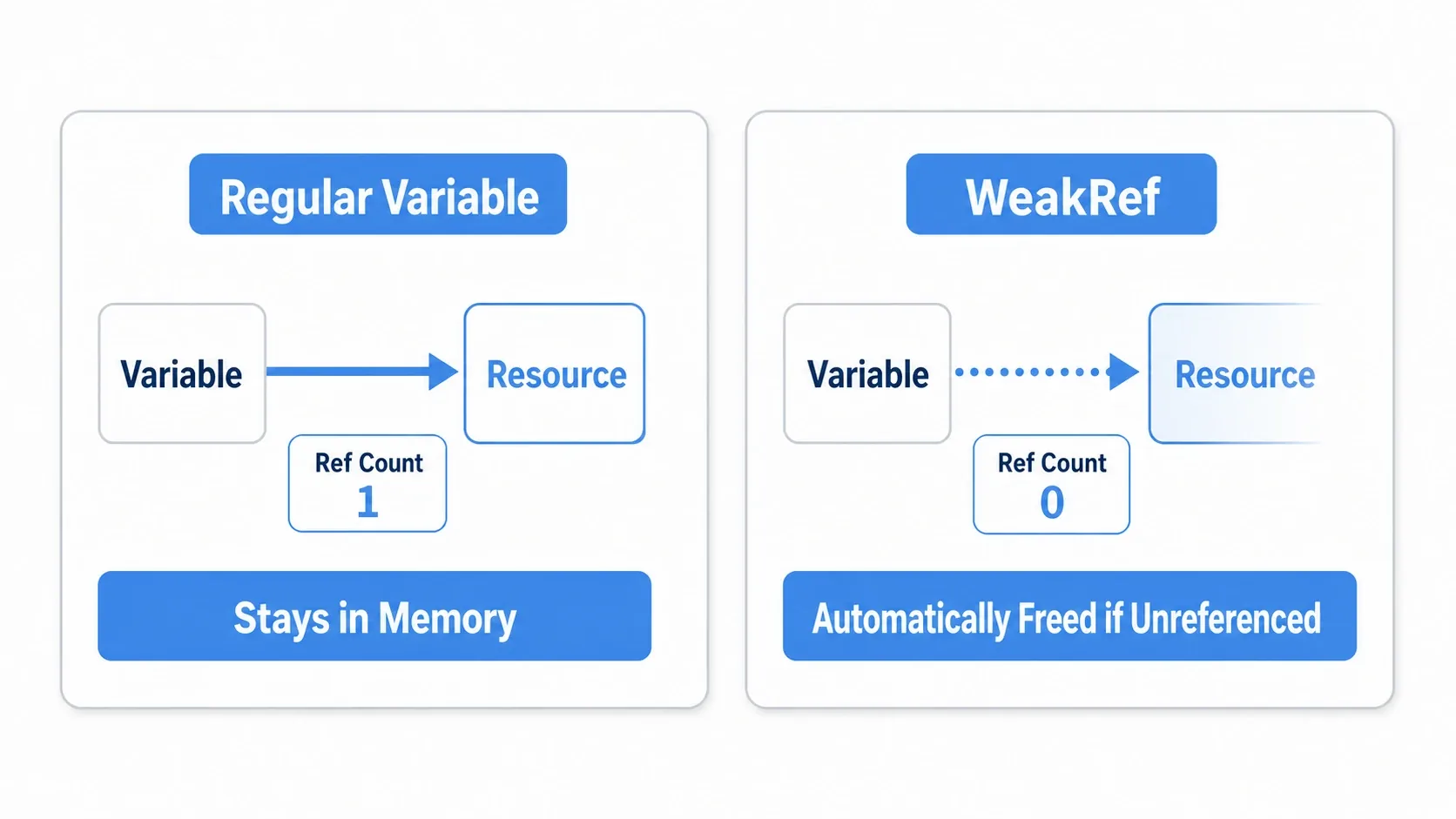
That lets you build a soft cache: "I'd like to keep this, but I'm fine letting it go once nothing else uses it."
var _cache: Dictionary = {}

func get_resource(path: String) -> Resource:
    if _cache.has(path):
        var res: Resource = _cache[path].get_ref()   # Pull it from the weak reference
        if res:
            return res                                # Reuse it if it's still alive
    var loaded := load(path)
    _cache[path] = weakref(loaded)                    # Record it without incrementing the reference count
    return loaded
If get_ref() returns null, the resource has already been freed, so you reload it with load(). Frequently accessed resources are more efficient held in a normal variable; WeakRef suits resources you might use again but would rather trade for memory savings.
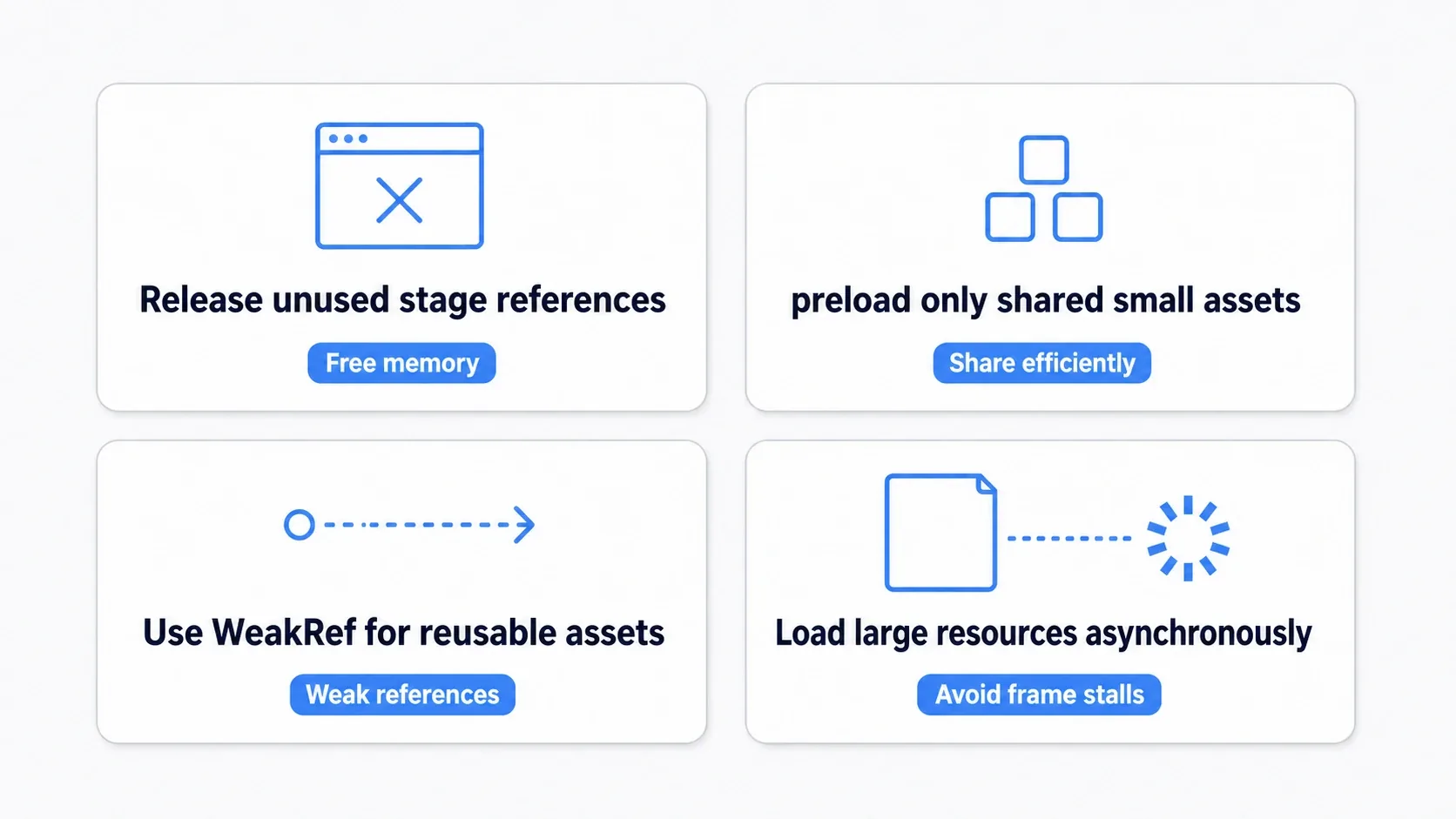
Here's the design guidance in summary.
| Guideline | What to do |
|---|---|
| Manage per stage | Drop references to stage-specific resources on transition |
| Keep preload minimal | Only small assets used in every scene. Stage-specific ones use load() |
| Soft cache with WeakRef | For resources that might be reused but don't need to stay resident |
| Load large resources asynchronously | Use load_threaded_request() for texture atlases and 3D models |
Bonus: Good to Know for Later
- Watch out for duplicate requests on the same path: calling
load_threaded_request()twice with the same path doesn't raise an error; both share the same load. The one to watch isload_threaded_get(): you can collect a result only once per request (the second call returnsnull). - Passing a type hint: passing a type name as the second argument, as in
load_threaded_request(path, "PackedScene"), hints which loader to use (it doesn't guarantee the returned type, so check withis PackedSceneafter receiving it). - This is separate from loading save data: everything here concerns loading assets (scenes and images). Saving and restoring play state belongs to the save/load system, where
ResourceLoader's async API is also useful.
Summary
preload()loads at parse time. Ideal for small, frequently used things (constant paths only)load()loads at runtime. Use it for dynamic paths and conditional loading (disk I/O only the first time)- Load big scenes asynchronously through the three steps of
load_threaded_request()so the main thread never stalls - Put the loading screen in an Autoload, update the bar from
load_threaded_get_status()progress, and callchange_scene_to_packed()on completion - Resources are managed by reference counting.
WeakReflets you build a soft cache that doesn't add references
Start by replacing a heavy stage transition with load_threaded_request() and a progress bar, and feel the freeze disappear. "Makes you wait, but never locks up" is the foundation of a game that feels good to play.
Further Reading
- Implementing a Save/Load System: the same techniques apply to loading save data asynchronously
- Creating and Using Custom Resources: how to author the data you'll be loading
- The Complete Guide to Object Pooling: cutting the creation cost of the scenes you loaded
- Godot Official Docs: Background loading: the primary source on asynchronous loading