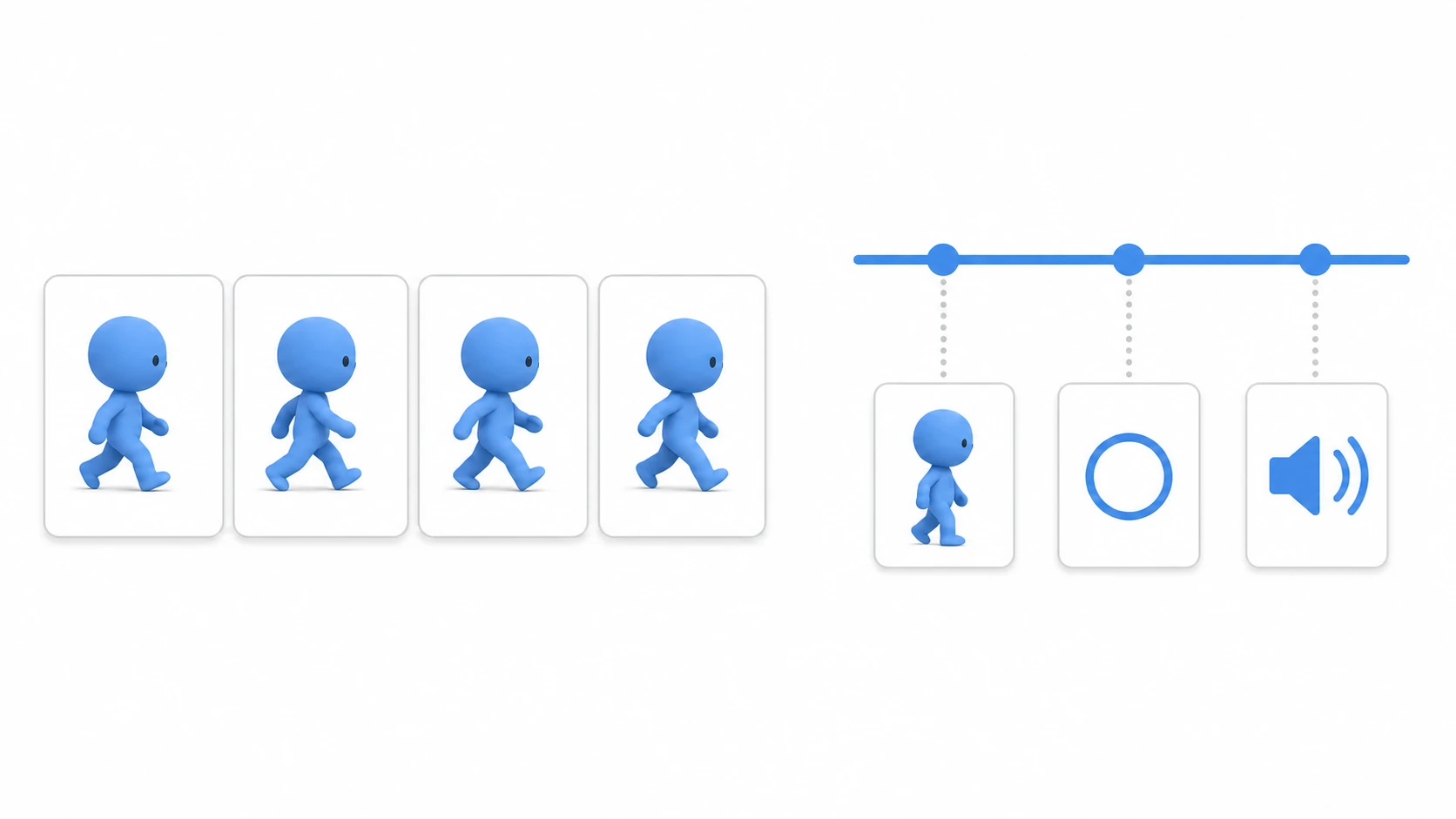
You move the player with move_and_slide() and smooth out an HP bar with move_toward(). Both look like they "move" something, so at first they seem like the same kind of function.
Their roles are quite different, though. move_and_slide() moves a character through the physics world, while move_toward() eases a value toward a target.
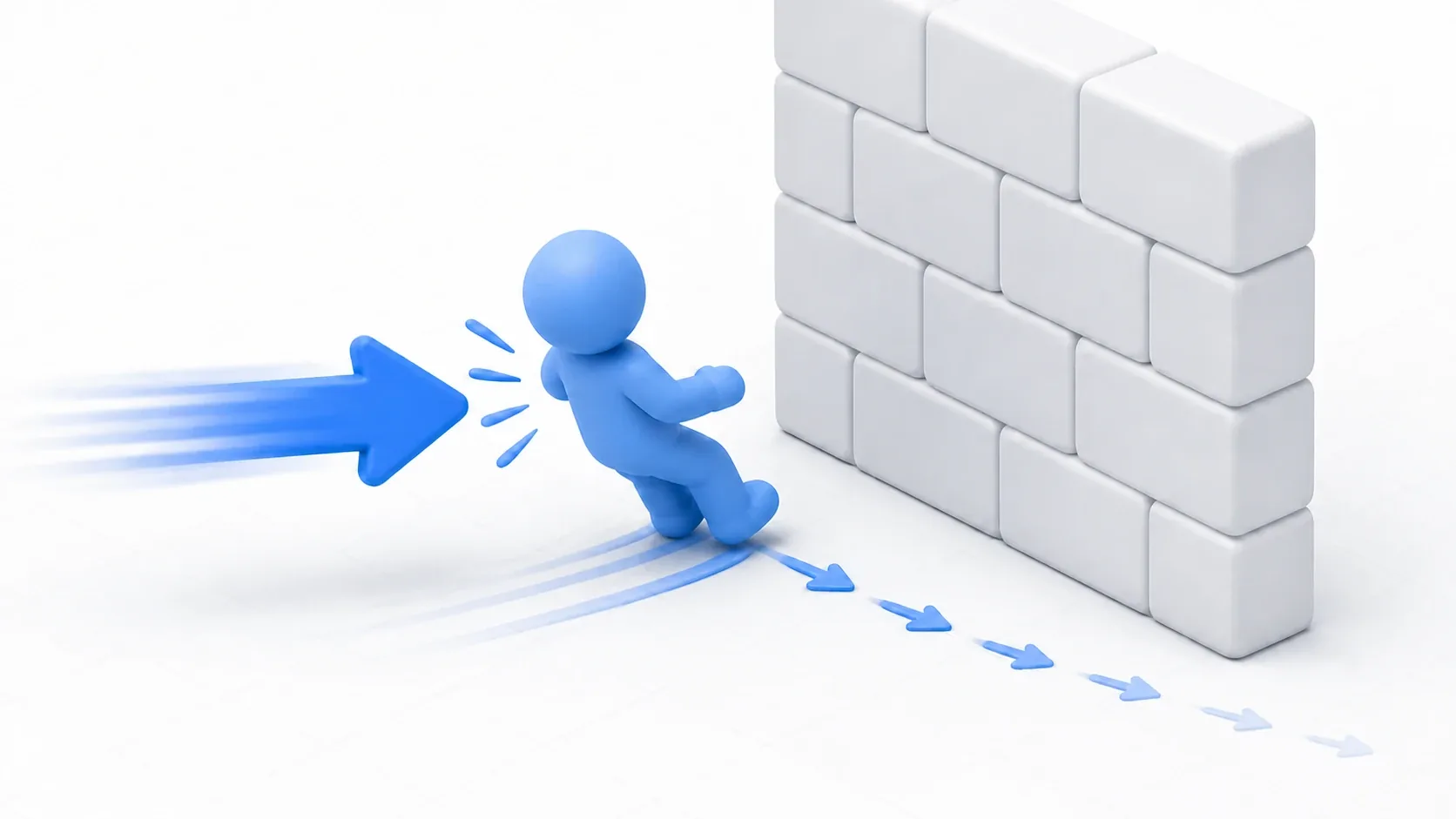
Knockback uses both. You leave the wall collisions to move_and_slide() and use move_toward() to bleed off the momentum.
What You'll Learn
- The difference in role between
move_and_slide()andmove_toward()- Why moving
positiondirectly on a CharacterBody2D is risky- How to think about disabling input during knockback
- Decaying
velocitywithmove_toward()- How to use
move_toward()for UI and cameras
Tested with: Godot 4.7
These are not two versions of the same "move" function
Start by separating the two roles.
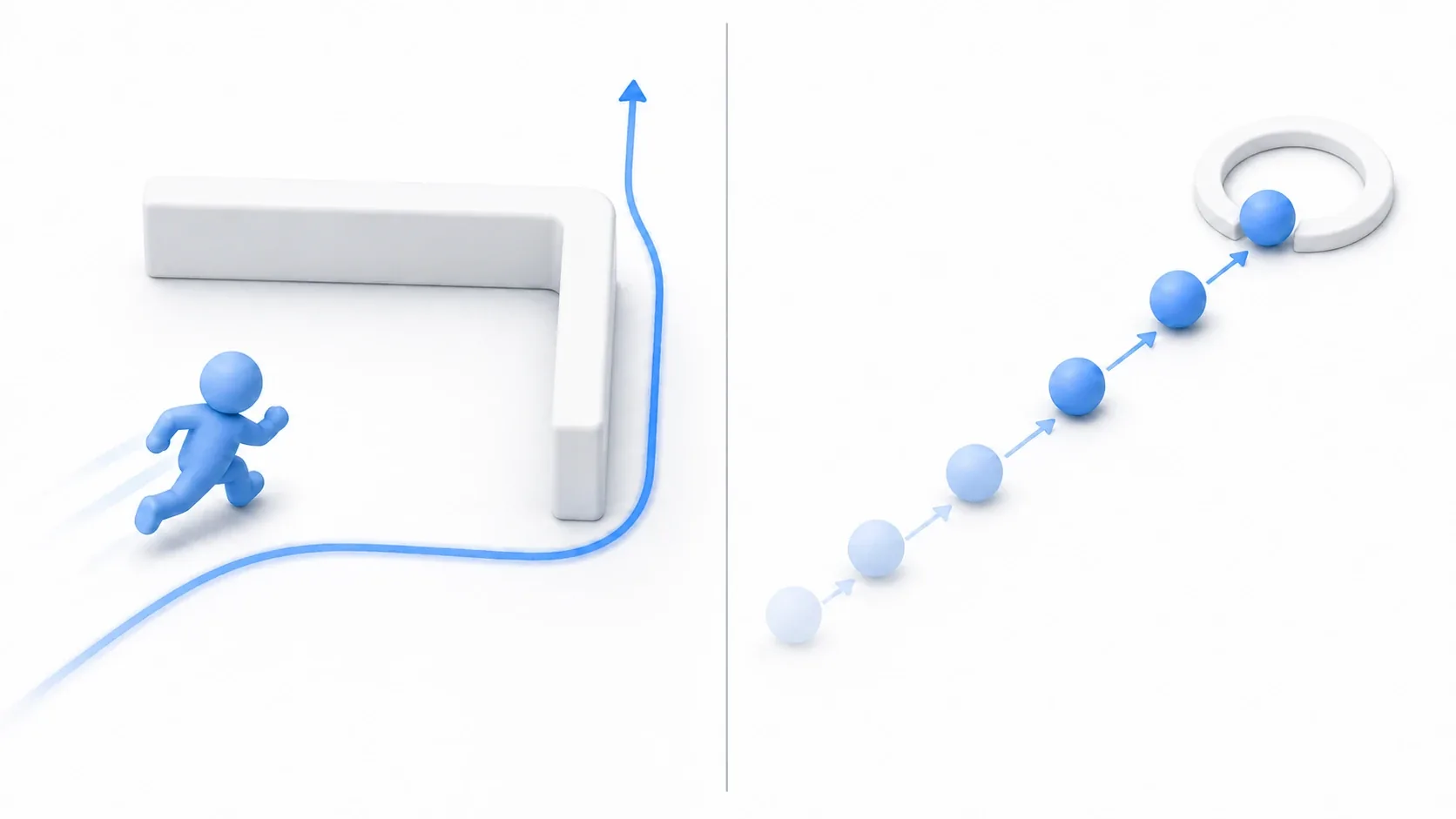
move_and_slide() uses a CharacterBody2D's velocity to perform movement and collision handling on the physics frame. Hit a wall and the body stops or slides along it.
move_toward() only moves a value toward a target. It knows nothing about walls or floors. Use it on a Vector2 to ease a vector, or on a number to ease an HP bar or a gauge.
| Tool | Main role | Best at |
|---|---|---|
move_and_slide() | Moves a character through the physics world | Players, enemies, wall collisions, slopes and floors |
move_toward() | Eases a value toward a target by a fixed amount | Velocity decay, HP bars, camera follow, UI |
So knockback isn't a matter of picking one or the other.
- Actually moving the character:
move_and_slide() - Bleeding off the knockback momentum:
move_toward()
Splitting the responsibilities this way makes the code much easier to read.
move_and_slide() moves a physics character
move_and_slide() is the movement routine for CharacterBody2D. The basic pattern is to set velocity every physics frame and then call it.
extends CharacterBody2D

const SPEED := 220.0

func _physics_process(delta: float) -> void:
    var input_vector := Input.get_vector(
        &"move_left",
        &"move_right",
        &"move_up",
        &"move_down"
    )

    # Decide the speed we want to travel at this frame
    velocity = input_vector * SPEED

    # Leave the actual movement and collision handling to Godot
    move_and_slide()
In Godot 4, move_and_slide() moves the body using the velocity property. Sliding along walls and other collision responses are handled inside that call.
The important shift here is to stop seeing move_and_slide() as a convenience function that changes coordinates, and start seeing it as a request for movement submitted to the physics world.
If you change coordinates directly with something like position += direction * speed * delta, the position changes before the physics engine gets a chance to resolve collisions. That's how you end up clipping through and sinking into walls.
move_toward() eases a value toward a target
move_toward() doesn't drive physics. It moves a current value toward a target value by a fixed amount.
For example, having an HP bar smoothly follow the real value has nothing to do with physics.
var displayed_hp := 100.0
var actual_hp := 40.0

func _process(delta: float) -> void:
    # Ease the displayed HP toward the actual HP
    displayed_hp = move_toward(displayed_hp, actual_hp, 80.0 * delta)
    hp_bar.value = displayed_hp
It works on Vector2 too. For knockback, you ease the launch speed toward Vector2.ZERO.
var knockback_velocity := Vector2(500.0, 0.0)

func _physics_process(delta: float) -> void:
    # Ease the knockback momentum toward zero
    knockback_velocity = knockback_velocity.move_toward(
        Vector2.ZERO,
        1200.0 * delta
    )
move_toward() isn't moving the character here. It's only computing "the velocity value to use next."
Example: separating knockback into its own state
The most important thing in knockback handling is to keep normal movement and hit-reaction movement from mixing.
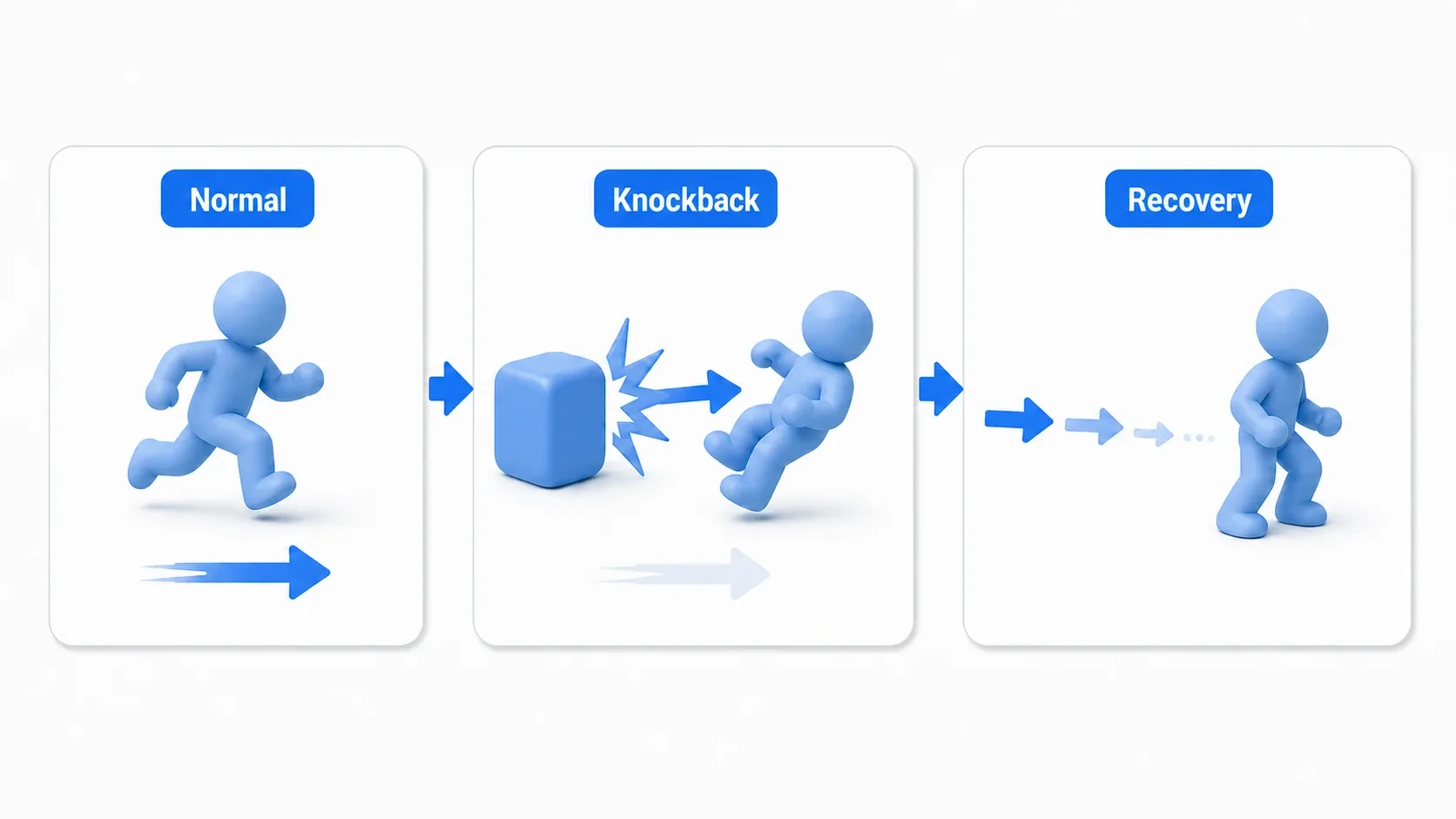
Normally, player input sets velocity. During knockback you temporarily ignore input and move using the launch velocity given from outside.
extends CharacterBody2D

enum PlayerState {
    MOVE,
    KNOCKBACK,
}

const SPEED := 220.0
const KNOCKBACK_DECAY := 900.0
const KNOCKBACK_END_SPEED := 20.0

var current_state := PlayerState.MOVE
var knockback_velocity := Vector2.ZERO

func _physics_process(delta: float) -> void:
    match current_state:
        PlayerState.MOVE:
            update_move()
        PlayerState.KNOCKBACK:
            update_knockback(delta)

    # Whatever the state, all movement and collision handling ends up here
    move_and_slide()

func update_move() -> void:
    var input_vector := Input.get_vector(
        &"move_left",
        &"move_right",
        &"move_up",
        &"move_down"
    )

    # In normal state, player input decides the speed
    velocity = input_vector * SPEED

func update_knockback(delta: float) -> void:
    # During knockback, ignore input and use only the launch velocity
    velocity = knockback_velocity

    # Bleed off the momentum ahead of the next frame
    knockback_velocity = knockback_velocity.move_toward(
        Vector2.ZERO,
        KNOCKBACK_DECAY * delta
    )

    if knockback_velocity.length() <= KNOCKBACK_END_SPEED:
        knockback_velocity = Vector2.ZERO
        current_state = PlayerState.MOVE

func apply_knockback(source_position: Vector2, power: float) -> void:
    # Build a direction pointing away from whatever attacked us
    var direction := source_position.direction_to(global_position)

    knockback_velocity = direction.normalized() * power
    current_state = PlayerState.KNOCKBACK
This code calls move_and_slide() exactly once, at the end. Whether it's normal movement or knockback, the shape is the same: decide velocity, then hand it to physics movement.
Whether you ignore input entirely during knockback or leave the player a little control is a design decision. An action RPG feels more impactful with a brief loss of control, while a twin-stick shooter often feels better if a bit of input still bleeds through during knockback.
What to tune
- Want a stronger launch: increase
power - Want it to stop sooner: increase
KNOCKBACK_DECAY - Want a longer recoil: decrease
KNOCKBACK_DECAY - Want small residual wobble to end earlier: increase
KNOCKBACK_END_SPEED
Rather than tuning numbers in isolation, think about "how long input is disabled," "how fast the momentum fades," and "the condition for recovering" as three separate things. That's what gives each game its own feel.
A common mistake: moving position directly
The classic beginner stumble is moving a CharacterBody2D with position directly.
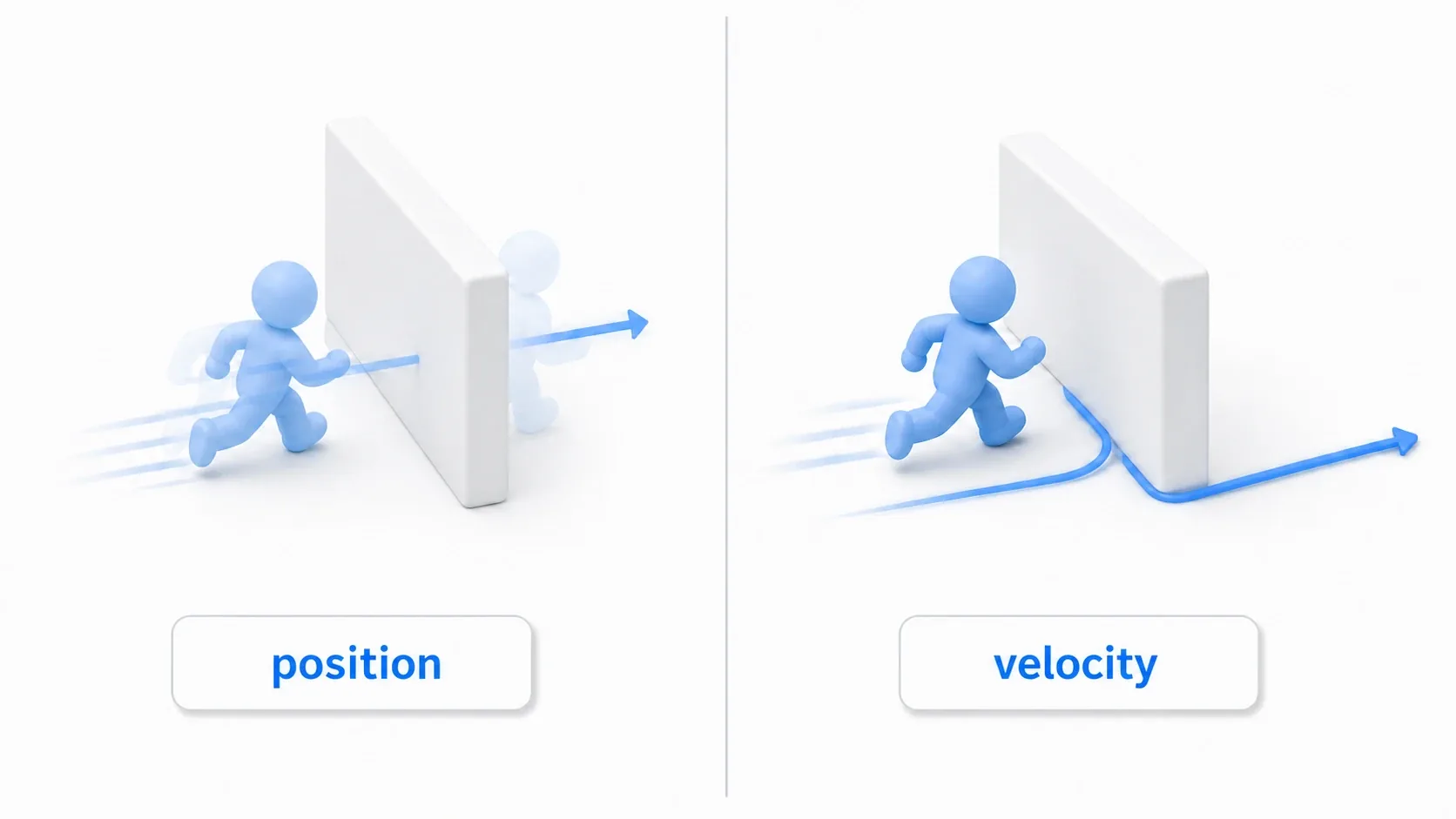
Code like this looks like it works.
# Avoid this: moving a physics character's coordinates directly
func _physics_process(delta: float) -> void:
    position = position.move_toward(target_position, 240.0 * delta)
But it bypasses CharacterBody2D's collision resolution. Nothing stops it at a wall, so even when it moves slowly it walks straight through.
For physics characters, think of it this way instead.
# Better: set velocity and leave movement and collisions to move_and_slide()
func _physics_process(delta: float) -> void:
    var direction := global_position.direction_to(target_position)

    velocity = direction * 240.0
    move_and_slide()
move_toward() isn't a bad function. It becomes a problem when used in the wrong place. It's great for UI, HP bars, cameras, and decaying knockback speed. It's not the right tool for moving a CharacterBody2D's coordinates.
Bonus: Good to know for later
move_and_slide() doesn't return a velocity
In Godot 4, move_and_slide() returns a bool indicating whether a collision occurred. Don't treat it as a function that returns a velocity.
For post-collision behavior, look at the velocity property, is_on_floor(), get_slide_collision_count(), and so on as needed. For everyday movement, the safe habit is simply "set velocity, then call move_and_slide()."
move_toward() and lerp() stop differently
move_toward() approaches the target by a fixed amount. That suits knockback, where you want the momentum to fade at a steady rate.
lerp() approaches by a proportion of the remaining distance. The change gets smaller as it nears the target, which suits soft follow and UI flourishes.
Neither is more correct. Choose based on whether you want a fixed rate of decrease or a smooth proportional approach.
Strong knockback surfaces other problems
When the knockback speed is extreme, other design problems tend to show up: wall contact, slopes, narrow corridors, repeated hits from enemies.
In that case, don't just raise power. Think about invincibility frames, hitstop, collision layers, and multi-hit limits alongside it. Knockback isn't only a movement routine; it's part of the whole damage-reaction presentation.
Summary
move_and_slide()moves a CharacterBody2D/3D through the physics worldmove_toward()is a helper that eases a value toward a target by a fixed amount- With CharacterBody2D, don't move
positiondirectly. Setvelocityand letmove_and_slide()handle it - For knockback, separate the state that disables input from the code that decays the launch velocity
move_toward()suits value tuning like knockback speed, HP bars, UI, and camera follow
When you can't decide, ask: "is this about moving a body through the physics world, or about easing a value toward a target?"
Further Reading